

Gmail is everywhere. If you have an email address, there’s a good chance you have a Gmail account. I’ve used it too, and there’s a reason so many people stick with it. It’s easy to use, it works well, and it connects nicely with other Google services.
But that doesn’t mean Gmail is the right choice for everyone.
Maybe you want more privacy. Maybe you don’t like having all your email tied to Google. Maybe you want a cleaner inbox, a better business email, or simply want to try something different. Whatever your reason, there are quite a few good Gmail alternatives in 2026.
The tricky part is knowing which one to choose.
I’ve looked at some of the better-known options and broken them down in simple terms. You don’t need to know anything technical to understand the differences. I’ll tell you what each service is good at, what I like about it, and who I think should use it.
The Best Gmail Alternatives at a Glance
If you don’t want to read the whole article yet, here’s the quick version:
Proton Mail – Best if you care a lot about privacy
Outlook – Best if you use Microsoft products
Zoho Mail – Best for small businesses
Tuta Mail – Best if you want strong privacy without Google
Fastmail – Best if you want a simple paid email service
iCloud Mail – Best if you already use Apple devices
Yahoo Mail – Best if you want a familiar free email service with lots of storage
Now let’s look at each one.
1. Proton Mail
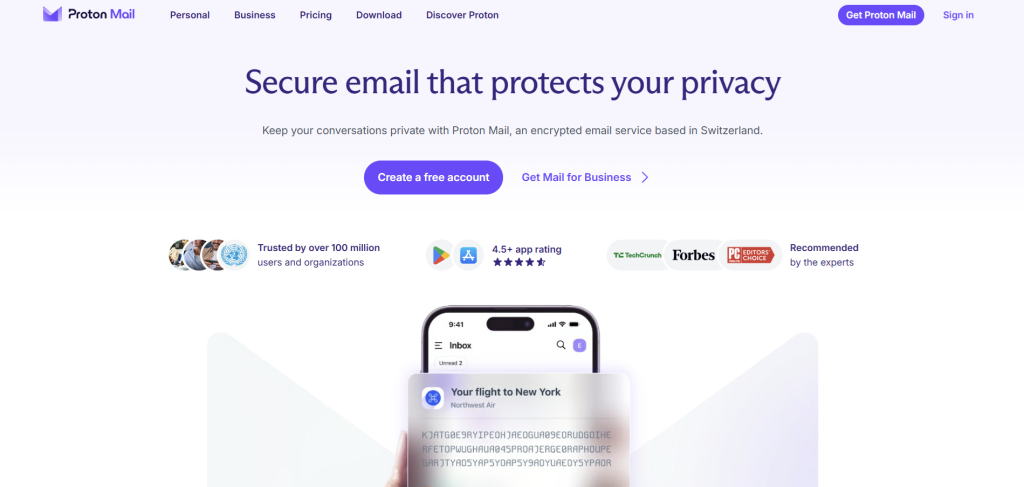
If privacy is your main reason for leaving Gmail, Proton Mail is probably the first service I’d look at. Proton Mail is built around privacy and encryption, and Proton says it uses zero-access encryption so it can’t read the encrypted contents of your mailbox. It also offers a free plan, so you can try it without paying for an email account.
What I like about Proton Mail is that you don’t have to be a technical person to use it. You create your account, open your inbox, and use it like a normal email service. The privacy features are working in the background, so you don’t need to understand encryption just to send an email.
Proton also has things like spam and phishing protection, email aliases, password-protected messages, and tracking protection. You can use it on the web and on mobile devices, and paid plans add things like more storage, extra addresses, and custom domains.
There is one thing to keep in mind, though. If you’re used to having Gmail, Google Drive, Google Calendar, Google Docs, and everything else in one place, moving to Proton means you’re leaving that whole Google setup. That’s not necessarily a bad thing, but it is something you’ll notice.
I’d choose Proton Mail if: you care about privacy and want a Gmail alternative that puts privacy first.
2. Outlook
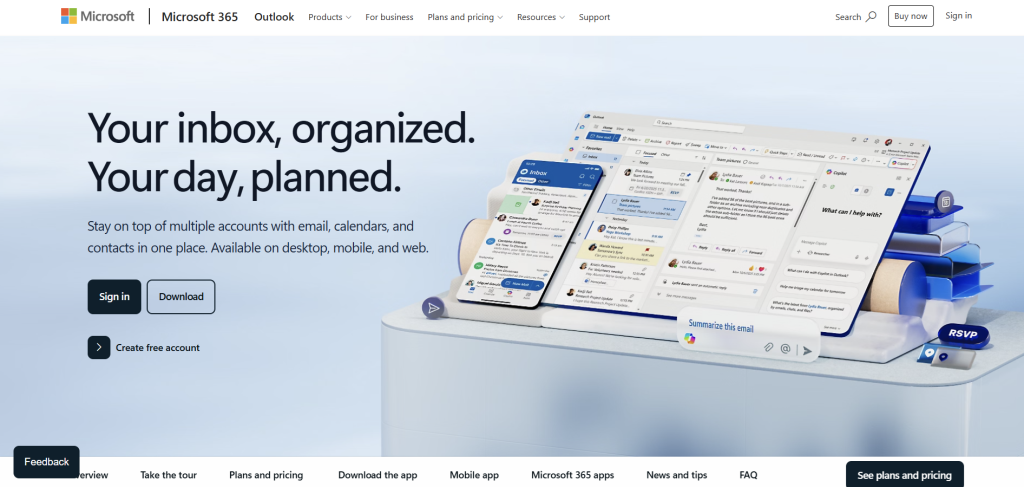
If you already use Windows, Microsoft 365, OneDrive, Word, or Excel, Outlook is an easy Gmail alternative to consider. Microsoft lets you create a free Outlook.com email address, and a Microsoft account also gives you access to free online versions of Outlook, Word, Excel, and PowerPoint, along with cloud storage.
I’ve always thought Outlook makes the most sense when you’re already in the Microsoft world. If you use Microsoft products every day, you don’t have to learn a completely different setup just to get away from Gmail.
Outlook also has the usual things you’d expect from a modern email service, including folders, search, contacts, calendar features, file and attachment tools, and email scheduling. Microsoft also offers extra features through Microsoft 365, including an ad-free Outlook.com mailbox and stronger email security features.
It’s not really the choice I’d make if my number one goal was privacy. But if you’re looking for something that feels familiar and works well with Microsoft’s other services, Outlook is one of the easiest Gmail alternatives to switch to.
I’d choose Outlook if: you already use Microsoft products or want an all-around email service that works well for work and personal use.
3. Zoho Mail
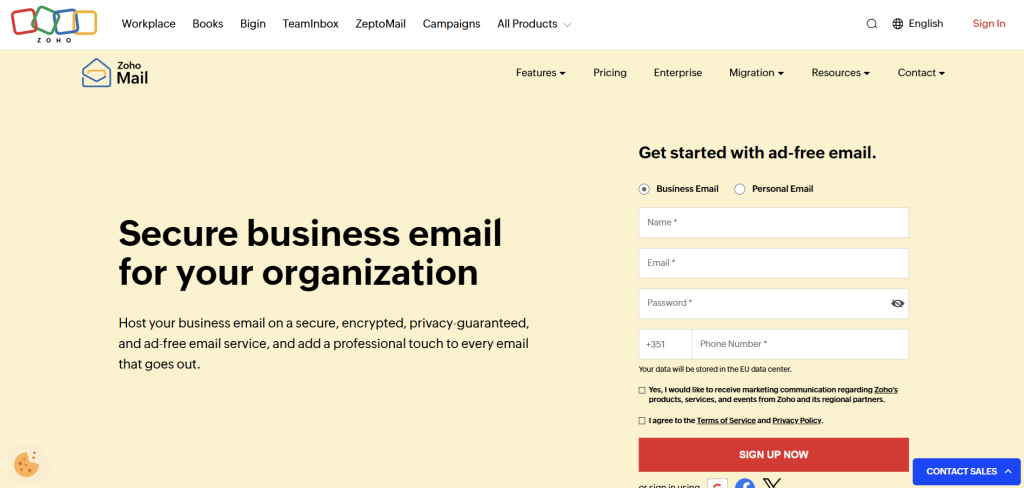
Zoho Mail is a little different because it makes a lot of sense for business email, especially if you’re running a small business and want your own domain.
For example, instead of using something like yourbusiness@gmail.com, you can set up an address using your own domain. That can make your business look much more professional when you’re talking to customers.
Zoho also has a free business plan in some regions. According to Zoho, the free plan can support up to five users and one domain, with up to 5 GB of mail storage per user, although availability depends on the data center and region.
What I like about Zoho is that it gives you room to grow. You can start small and move to paid plans if you need more storage or features. Paid plans add things such as IMAP and POP access, email forwarding, email routing, and other business features.
If you’re just looking for a personal email address, Zoho might feel like more than you need. But if you’re starting a business and want email using your own domain without jumping straight into a much bigger office software package, it’s worth looking at.
I’d choose Zoho Mail if: you’re running a small business and want professional email with your own domain.
4. Tuta Mail
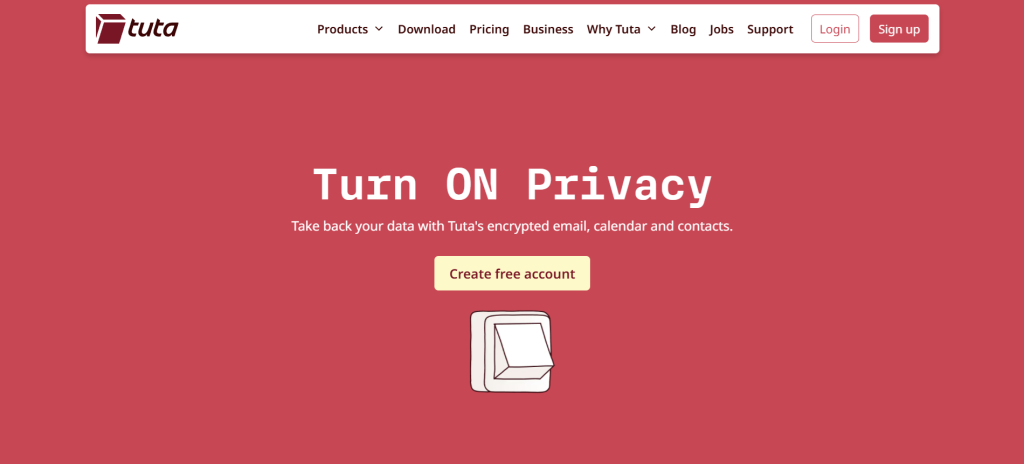
Tuta Mail is another option I’d look at if privacy matters to you. Tuta says its service is fully encrypted, doesn’t track users, and uses a zero-access setup so it can’t read your encrypted mailbox. Its servers are based in Germany, and it also encrypts things like your address book and calendar.
The free plan gives you 1 GB of storage, one calendar, and three labels. Paid plans give you more storage, extra email addresses, custom domains, and other features.
One thing I like about Tuta is that it isn’t trying to be another giant collection of apps. It’s mainly about private email and related services. If you’re tired of having your email connected to a huge ecosystem and just want a private email service, that can be a good thing.
Tuta also offers apps for web, mobile, and desktop, so you aren’t stuck using it only in a browser.
I’d choose Tuta if: you want a privacy-focused email service and like the idea of keeping things simple.
5. Fastmail
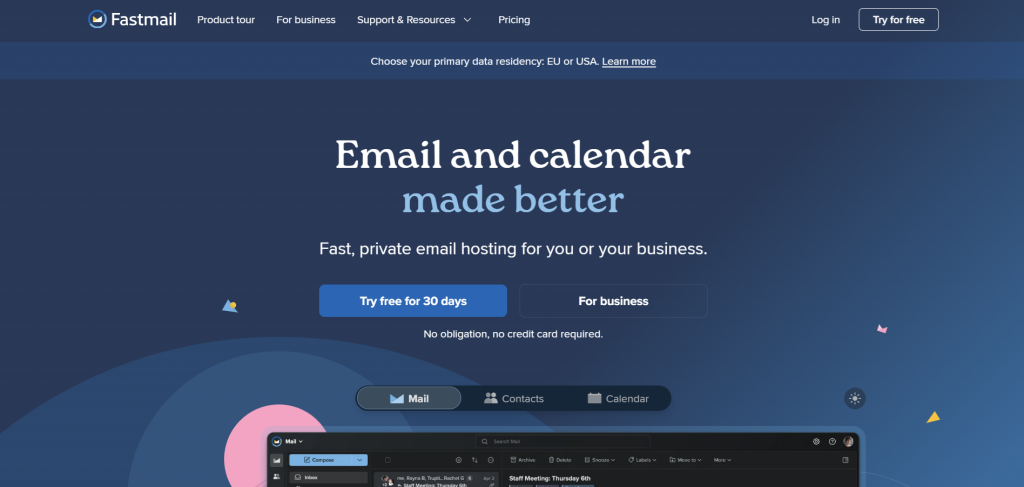
Fastmail is worth considering if you’re happy to pay for email and don’t need a giant collection of extra services attached to your inbox.
Fastmail focuses on email, calendars, and contacts rather than trying to become your whole online life. Its plans include things like custom domains, extra email addresses, masked email addresses, spam protection, offline access, scheduled sending, and support from real people.
I think this is one of those services that makes sense if you just want email to work and don’t want your inbox buried inside a huge platform. You can also use Fastmail with other email apps, including Outlook and Apple’s Mail app, depending on your plan.
The main downside is simple: Fastmail isn’t free forever. It offers a free trial, but it’s a paid service. For some people that’s a deal breaker. For others, paying for email is exactly what they want because they’re getting a service that isn’t built around showing them ads or using their data for advertising.
I’d choose Fastmail if: you want a clean, paid email service and don’t need a big office suite.
6. iCloud Mail
If you already have an iPhone, iPad, or Mac, you might not need to look very far for a Gmail alternative.
iCloud Mail is the obvious choice if most of your digital life is already with Apple. Your email works nicely alongside your other Apple services, and you can access it from your Apple devices without having to build a completely new setup.
This is really about convenience. If you’re already using Apple devices every day, adding another email service might not give you much benefit unless you have a specific reason for leaving Gmail.
For example, if you want to move away from Google but you’re happy with Apple’s ecosystem, iCloud Mail can be a much easier switch than moving to a completely different email provider.
I’d choose iCloud Mail if: you’re already heavily invested in Apple’s ecosystem and want your email to fit into it.
7. Yahoo Mail
Yahoo Mail has been around for a very long time, and it still gives you another option if you simply don’t want to use Gmail.
It’s probably not the first service I’d recommend to someone who is specifically looking for strong privacy or a modern business email setup. But if you want a free, familiar email service for everyday messages, newsletters, shopping accounts, and general personal use, it’s still an option worth knowing about.
The biggest reason to consider Yahoo is that you don’t have to completely change the way you think about email. You get the normal things you’d expect: an inbox, folders, search, contacts, spam protection, and access across devices.
If privacy is your main reason for leaving Gmail, though, I’d look at Proton Mail or Tuta before Yahoo.
I’d choose Yahoo Mail if: you want a familiar free email service and don’t need special privacy or business features.
Which Gmail Alternative Is Best for You?
There’s no single answer here because it really depends on why you want to leave Gmail.
If you’re leaving because you’re worried about privacy, I’d start with Proton Mail or Tuta. Both put a much bigger focus on encryption and privacy than the typical big free email services.
If you’re already using Windows and Microsoft 365, Outlook makes the most sense because it fits naturally with the tools you’re probably already using.
If you’re starting a small business and want email with your own domain, Zoho Mail is worth a look. It has business-focused features and a free plan is available in some regions.
If you want something simple and don’t mind paying, Fastmail is a strong option. It focuses on email, calendars, contacts, and privacy without trying to give you a huge pile of unrelated services.
And if you already use Apple products all day, iCloud Mail is probably the easiest choice because you don’t have to move into another ecosystem.
Do You Really Need to Leave Gmail?
Before you move everything over, I’d ask yourself why you want to leave Gmail in the first place.
If you’re simply bored with Gmail, switching might not make a huge difference. You’re going to get another inbox, another password, another set of settings, and another service to learn.
But if you have a real reason, then it can be worth making the move.
Maybe you want better privacy. Maybe you want a professional email address for your business. Maybe you’re tired of being tied to Google. Or maybe you just want a smaller, simpler email service.
Once you know your reason, choosing becomes much easier.
What Should You Look For in a Gmail Alternative?
I wouldn’t compare email services based on one feature alone. Think about how you actually use email.
First, look at privacy. If this is important to you, check how the company handles your messages and personal information. Services like Proton Mail and Tuta put a strong focus on encryption and privacy.
Then look at storage. If you keep years of emails and lots of attachments, storage can matter. A service that looks great at first might become annoying later if you constantly have to delete old messages.
You should also think about custom domains if you run a business. Having an address like you@yourbusiness.com looks much better than using a free Gmail address when you’re dealing with customers.
And don’t forget about the small things you use every day. Is the app good? Does search work well? Can you easily find old messages? Does spam get blocked? Can you use your own email app? Can you import your old Gmail messages?
Those things might sound boring, but you’ll notice them every single day.
How to Move From Gmail to Another Email Service
You don’t have to delete your Gmail account the moment you choose an alternative.
In fact, I wouldn’t.
The safer way is to create your new email account first and start using it alongside Gmail. Give yourself some time to move important accounts over. Change the email address on your bank, shopping accounts, social media, subscriptions, work accounts, and anything else you don’t want to lose access to.
You can also keep Gmail open for a while and forward messages or check the old inbox regularly, depending on what works for you.
Once you’ve moved everything important and you’re happy with the new service, you can decide what you want to do with your old Gmail account.
There’s no need to rush.

