

CapCut is still one of the most popular video editing apps, but it’s no longer the perfect free option for everyone. Many advanced tools now require a subscription, the app has faced availability issues in some regions, and several competitors have introduced impressive AI-powered editing features.
If you’re looking for a different editing experience, there are now plenty of strong alternatives available for both mobile and desktop users.
The best choice depends on what kind of videos you create. Some apps are better for fast TikTok edits, others are designed for YouTube creators, and some work best for professional or business content.
Here are eight of the best free CapCut alternatives you can try in 2026.
1. Edits by Instagram
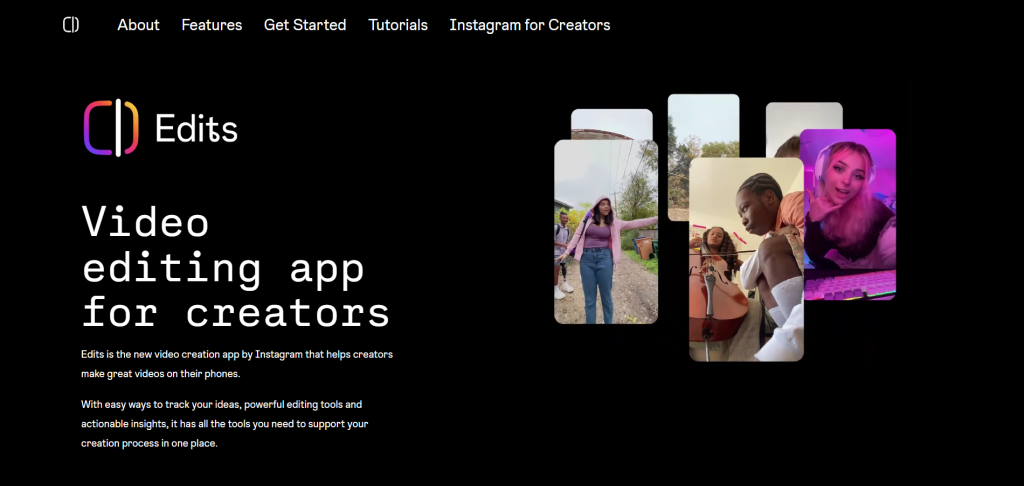
Edits is a free mobile video editor designed for creating content for Instagram and Facebook. It supports videos up to 10 minutes long and includes features like AI animations, captions, green screen effects, and analytics tracking — all without watermarks.
The app became especially popular after CapCut’s temporary U.S. ban and has remained a strong option for creators focused on Meta platforms.
One of its biggest advantages is the seamless Instagram integration. Exporting and posting content is fast and simple, making it ideal for influencers, small businesses, and social media marketers.
Best for: Instagram and Facebook creators who want a simple, free editing workflow.
2. Clipchamp
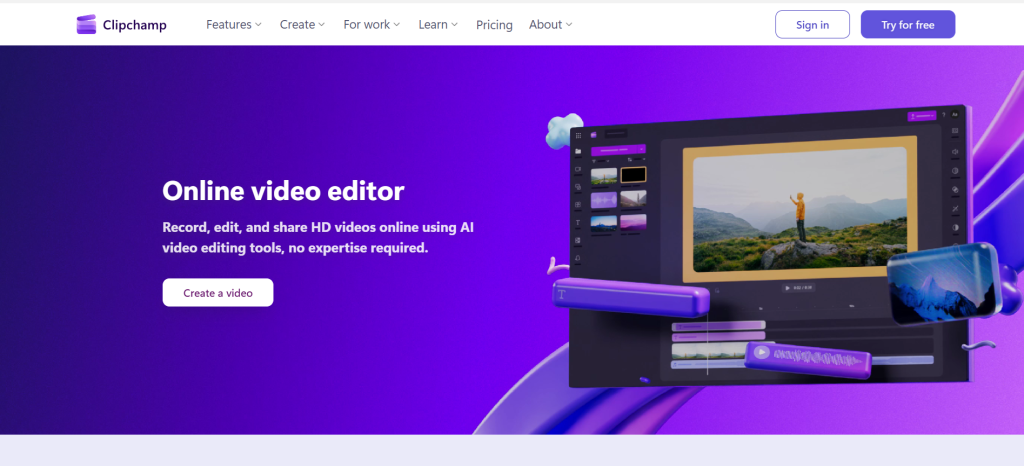
Clipchamp is Microsoft’s browser-based video editor available on Windows, web, and iOS.
It includes drag-and-drop editing, stock media, templates, AI silence removal, AI noise suppression, subtitles, and green screen tools.
The free plan is generous, but watermark-free exports depend on whether you use premium assets or features. Free users can still export videos in up to 1080p.
Clipchamp is especially useful for Windows users who want something beginner-friendly while still having access to advanced editing tools when needed.
Best for: Windows users who want an easy but capable editor with optional premium upgrades.
3. VEED
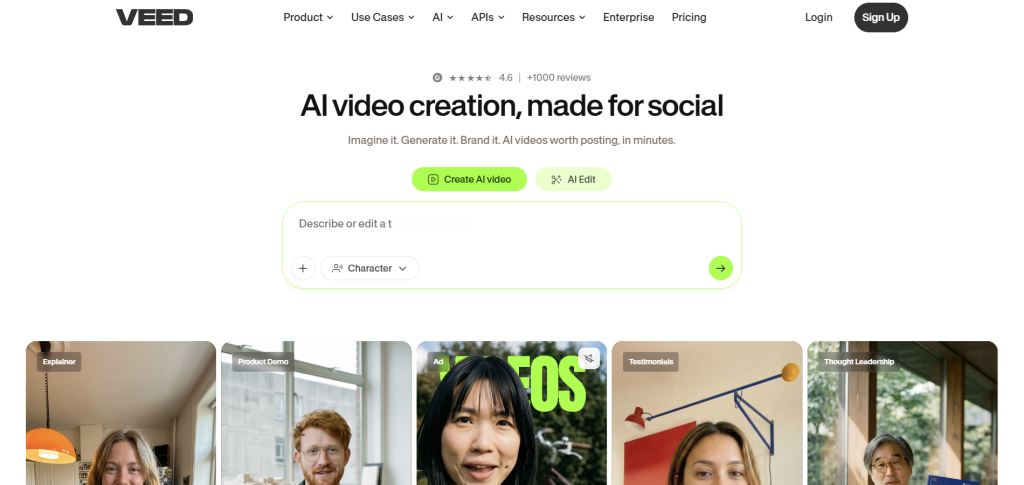
VEED is an online video editor that runs directly in your browser.
It offers features like subtitle generation, auto-resizing for social media, screen recording, AI avatars, and collaborative editing tools.
The free version includes a noticeable watermark, which can be limiting for regular creators, but VEED is extremely convenient when editing from different devices or while traveling.
Paid plans start at around $9/month, while advanced features and 4K exports require the Pro plan.
Best for: People who want browser-based editing with powerful AI tools and easy accessibility.
4. YouCut
YouCut is a free mobile video editor available for Android and iOS.
It includes trimming, transitions, effects, music, slideshows, and social media export tools — all without watermarks.
The app focuses on quick editing and simplicity, making it ideal for creators who want to edit and upload videos immediately from their phones.
Best for: Mobile creators who need fast edits without watermarks.
5. Canva Video Editor
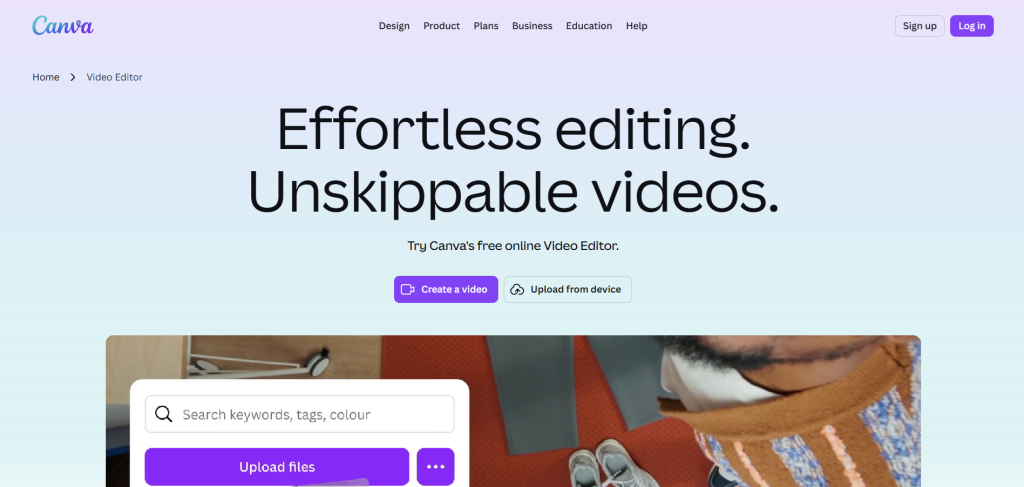
Canva has evolved far beyond graphic design and now includes a surprisingly powerful video editor.
The drag-and-drop interface makes it beginner-friendly, while the massive media library, templates, and AI tools help speed up content creation.
Canva is especially useful for creating social media videos, promotional content, and presentations quickly.
The free version covers most casual needs, while Canva Pro unlocks premium templates and stock content.
Best for: Beginners and social media creators who love templates and ready-made assets.
6. VN Video Editor
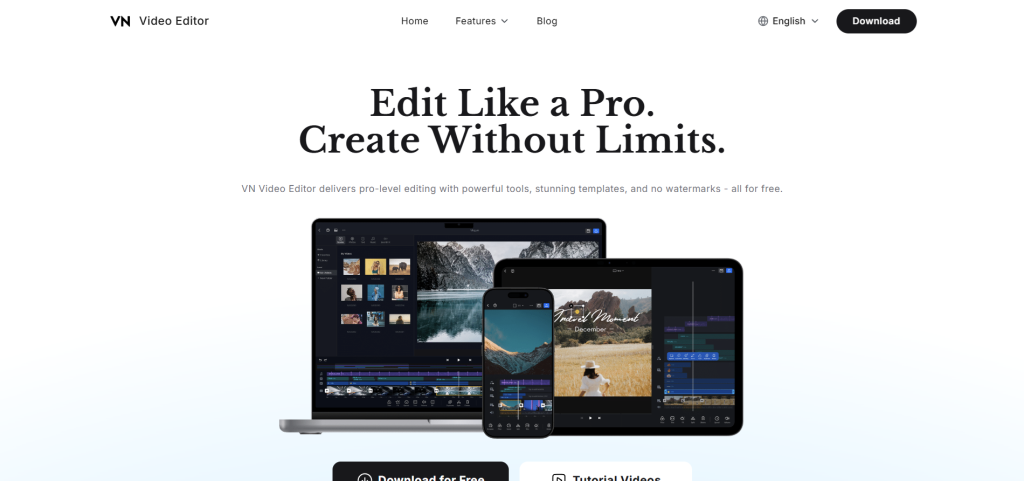
VN Video Editor is available for iPhone, Android, and Mac.
It offers advanced editing tools while maintaining a clean and beginner-friendly interface. Many users switching from CapCut find VN familiar because of its similar layout and workflow.
The free version already includes most of the features people need, including watermark-free exports.
Best for: Users who want a CapCut-like editing experience without extra costs.
7. OpenShot
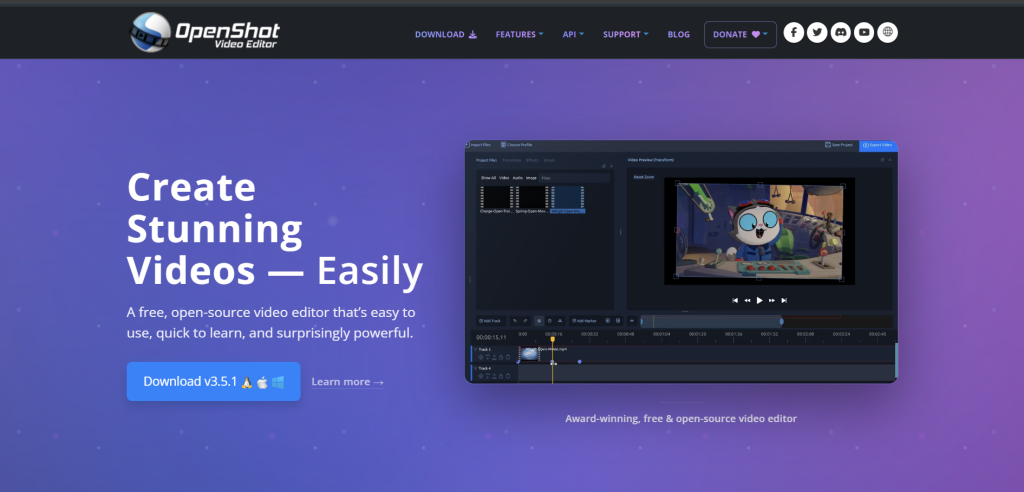
OpenShot is a completely free and open-source video editor for Windows, Mac, Linux, and ChromeOS.
It includes timeline editing, transitions, effects, animation support, and basic advanced editing tools.
Although it doesn’t have the polished interface of premium editors, it runs well even on older computers and remains one of the best truly free desktop editors available.
Best for: People who want fully free, open-source editing software.
8. DaVinci Resolve
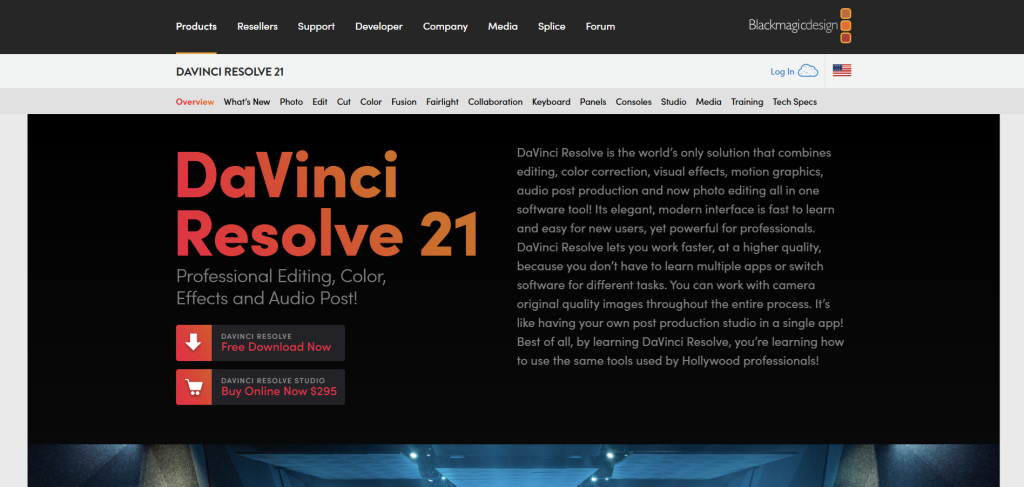
DaVinci Resolve is one of the most powerful free video editors available today.
Developed by Blackmagic Design, it combines professional video editing, color grading, visual effects, motion graphics, and audio editing in one application.
While it has a steeper learning curve compared to CapCut, it’s widely used in film and television production and offers incredible value in its free version.
Best for: Creators ready to move into professional-level video editing.
Frequently Asked Questions
Is CapCut still worth using in 2026?
Yes, especially for quick short-form content. CapCut still has one of the easiest editing workflows for TikTok-style videos, templates, effects, and auto-captions. However, many popular features now require a subscription, which is why many creators are exploring alternatives.
What is the best free alternative to CapCut?
It depends on your editing style:
- DaVinci Resolve → best for professional editing
- Canva → best for beginners and social media
- VN Video Editor → closest experience to CapCut
- VEED → best browser-based editor
- YouCut → best free mobile editor without watermarks
Which CapCut alternative has no watermark?
Several free editors offer watermark-free exports, including:
- YouCut
- VN Video Editor
- OpenShot
- DaVinci Resolve
Some apps like VEED and Clipchamp may add watermarks when using premium assets or features.
Which video editor is best for TikTok and Reels?
For short-form social media content, the easiest options are:
- Edits for Instagram Reels
- CapCut for TikTok-style edits
- VN Video Editor for similar editing tools without subscriptions
These apps are optimized for vertical video formats, trends, captions, and fast exporting.
What’s the easiest video editor for beginners?
Canva is one of the easiest platforms for beginners because of its drag-and-drop editor, templates, and built-in stock media.
Clipchamp is also beginner-friendly, especially for Windows users.
Which free video editor is best for YouTube?
If you want professional-quality YouTube videos without paying, DaVinci Resolve is the strongest option. It includes advanced color grading, audio tools, effects, and timeline editing used in real film production.
For simpler YouTube content, Clipchamp or Canva are easier to learn.
Can I edit videos online without downloading software?
Yes. Browser-based editors like VEED and Clipchamp let you edit directly online without installing software.
This is useful when working from different devices or lower-powered computers.
Is there a completely free video editor with advanced features?
Yes. DaVinci Resolve and OpenShot both offer advanced editing features for free.
DaVinci Resolve is more professional and powerful, while OpenShot is simpler and lightweight.
Final Thoughts
Video editing tools have improved dramatically over the past few years, and there are now excellent free alternatives for almost every type of creator.
- For quick social media edits: Edits or YouCut
- For browser-based editing: VEED
- For beginner-friendly templates: Canva
- For CapCut-style mobile editing: VN
- For desktop open-source software: OpenShot
- For professional production work: DaVinci Resolve
The best editor is ultimately the one that fits your workflow and helps you create content without slowing you down.

