

A lot of people start with SiteGround because it feels like a safe choice. It’s popular, it’s recommended everywhere, and at the beginning it does the job.
I did the same thing.
But after a while, I started noticing things that made me look for something else. The renewal price goes up, some limits start to feel tight, and it doesn’t always feel like the best value anymore.
That’s usually the moment you start wondering if there’s something better out there.
Not because SiteGround is bad, but because it’s not always the best fit for everyone — especially if you’re just starting a WordPress site.
So in this guide, I’m sharing 5 SiteGround alternatives I think are worth looking at in 2026.
| Hosting | Best for | Starting price |
|---|---|---|
| Bluehost | Beginners | ~$1.99/month |
| Hostinger | Budget users | ~$1.99/month |
| HostGator | Growth sites | ~$3–4/month |
| Namecheap | Cheapest option | ~$1.78/month |
| Cloudways | Performance | ~$11/month |
| Hosting | Best for + Price |
|---|---|
| Bluehost | Beginners – ~$1.99–$2.99/month |
| Hostinger | Cheapest option – ~$1.99/month |
| HostGator | Flexible growth – ~$3–$4/month |
| Namecheap | Ultra budget sites – ~$1.78/month |
| Cloudways | Performance & speed – from ~$11/month |
What is SiteGround?
SiteGround is a web hosting company where you can host your WordPress website.
They offer:
- Shared hosting
- Managed WordPress hosting
- Cloud hosting
- WooCommerce hosting
They also include things like SSL, backups, and support.
Pricing
- Starts around $2.99/month (intro price)
- But renewals usually go up to $17.99/month or more
Overall, it’s a solid hosting provider. I just don’t think it’s always the easiest or cheapest option anymore.

Why I started looking for alternatives
For me, it came down to a few simple things:
- The price gets higher when you renew
- Some plans feel limited once your site grows
- Other hosts feel easier for beginners
- I found cheaper options with similar features
So I started testing other hosting providers.
1. Bluehost – my pick for beginners
Bluehost is one of the easiest hosting providers I’ve used for WordPress.
If you’re building your first website, this one makes things very simple.
You can install WordPress in one click and start building straight away, even if you have no technical experience.
Pricing
- Starts around $1.99–$2.99/month (intro offer)
- Renews around $10–$12/month depending on plan
Why I like it:
- Very easy setup
- One-click WordPress install
- Free domain (first year)
- Free SSL
- 24/7 support
- Money-back guarantee
I’d use it if:
I was starting a brand new blog or simple website.

2. HostGator – flexible and scalable
HostGator is a long-time hosting company with lots of different plans.
What stands out to me is that it doesn’t feel too restrictive. It’s more flexible, especially when it comes to traffic.
Pricing
- Starts around $3–$4/month (intro price)
- Renews around $8–$12/month
Why I like it:
- Easy WordPress setup
- Free domain on some plans
- Flexible hosting options
- Good for growing sites
- 24/7 support
I’d use it if:
I expected my site to grow over time.

3. Hostinger – my budget choice
Hostinger is one of the cheapest hosting options I’ve found that still performs well.
What I really like is the dashboard. It’s clean, simple, and not confusing like some older hosting panels.
Pricing
- Starts around $1.99/month (long-term deal)
- Usually renews higher, around $3–$10/month depending on plan
Why I like it:
- Very cheap pricing
- Simple dashboard
- Good loading speed
- WordPress tools included
- Helpful tutorials
I’d use it if:
I wanted to save money but still have a solid website.

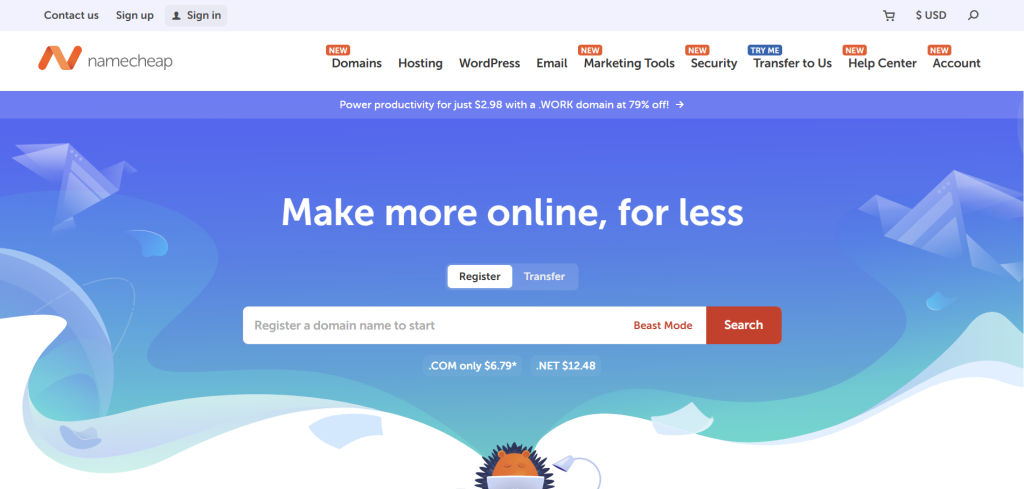
4. Namecheap – cheapest all-round option
Namecheap is best known for domains, but I’ve also used their hosting.
It’s one of the cheapest ways to get a website online.
Pricing
- Starts around $1.78–$2/month
- Renewals stay fairly low compared to others
Why I like it:
- Very low price
- Free domain privacy
- Free migration
- Simple control panel
- 24/7 support
I’d use it if:
I just wanted something basic and cheap to get started.
5. Cloudways – best performance option
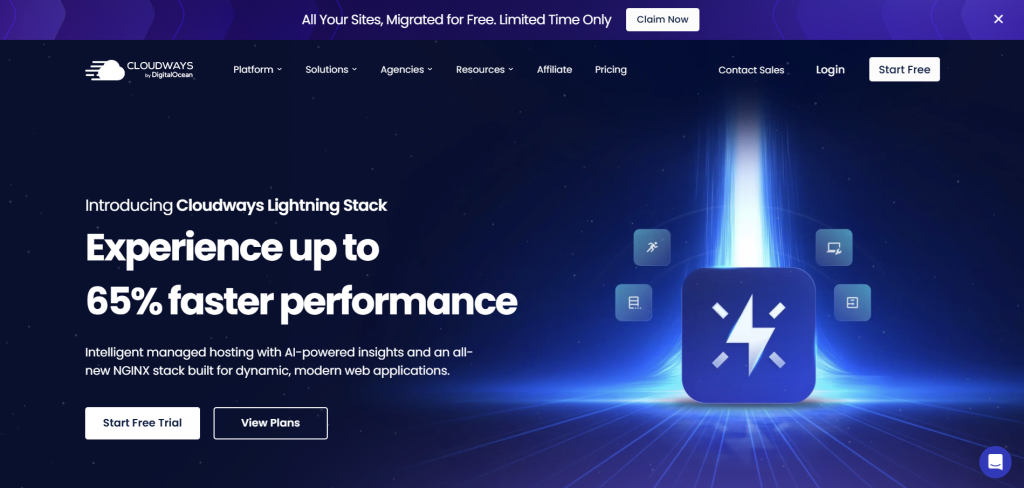
Cloudways is a different type of hosting. Instead of basic shared hosting, it runs on cloud servers.
It feels more powerful, and in my experience, websites load faster.
It’s still beginner-friendly, but more advanced than the others.
Pricing
- Starts around $11/month (pay-as-you-go cloud hosting)
- Can go up depending on server size
Why I like it:
- Very fast performance
- Easy scaling
- Managed cloud hosting
- Automatic backups
- Strong caching tools
I’d use it if:
I cared more about speed and planned to grow my site seriously.
How I decide which one to use
When I pick hosting, I just think about a few simple things:
- Do I want the cheapest option?
- Do I want something super easy?
- Do I expect traffic to grow?
- Do I care more about speed or simplicity?
There’s no perfect choice — it really depends on what I need at the time.
FAQ
Is SiteGround still good in 2026?
Yes, I still think SiteGround is a good hosting provider. It’s reliable and works well for WordPress. But I also think there are cheaper and simpler options now that make more sense for beginners.
What is the cheapest SiteGround alternative?
From my experience, Hostinger and Namecheap are usually the cheapest options. They’re good if you’re trying to keep costs low when starting out.
Which hosting is best for beginners?
If I had to pick one for beginners, I’d go with Bluehost. It’s very easy to set up and doesn’t feel confusing if you’ve never built a website before.
Can I switch from SiteGround easily?
Yes, most hosting companies either offer free migration tools or help you move your WordPress site. It’s usually easier than people expect.
Is Cloudways better than SiteGround?
It depends. I’d say Cloudways is better for speed and performance, while SiteGround is simpler for beginners. Cloudways is more powerful but slightly more advanced.
No related posts.

