

Most people start posting on social media without any real plan.
At first, I would just post whenever I remembered. No schedule, no system, no real strategy.
But after a while, it gets messy. You forget posts, consistency drops, and growth slows down.
That’s when I started using scheduling tools.
They basically let you plan your posts ahead of time so everything goes out automatically.
I tested a few of the most popular ones, and here are the ones that actually make things easier in 2026.
Social Media Scheduling Tools Comparison
| Tool | What it is like | Pricing | Best for | Main downside |
|---|---|---|---|---|
| Buffer | Simple, clean scheduling tool | Free + ~$6–12/month | Beginners and simple posting | Basic analytics |
| Hootsuite | Full social media management platform | From ~$99/month | Agencies and teams | Expensive |
| Later | Visual content planner | Free + ~$25/month | Instagram and creators | Limited features on free plan |
| Metricool | Scheduling + analytics in one | Free + ~$18/month | All-in-one budget tool | Slight learning curve |
| Publer | Simple and low-cost scheduler | Free + ~$5–10/month | Beginners on a budget | Less known, fewer features |
| Tool | Best for + Pricing |
|---|---|
| Buffer | Beginners – Free + ~$6–12/month |
| Hootsuite | Agencies – From ~$99/month |
| Later | Visual planning – Free + ~$25/month |
| Metricool | All-in-one – Free + ~$18/month |
| Publer | Budget users – Free + ~$5–10/month |
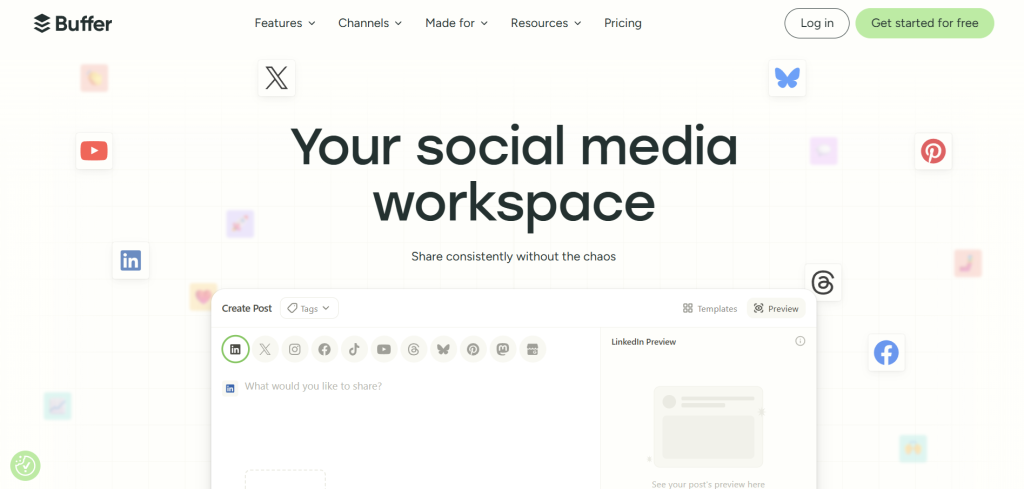
1. Buffer – simple and clean scheduling
Buffer is probably the easiest tool I tried.
It doesn’t try to do too much. You just connect your accounts, schedule posts, and you’re done.
Pricing
- Free plan available (limited posts)
- Paid plans start around $6–$12/month per channel
What I liked
- Very clean and simple
- Fast to schedule posts
- Good for beginners
- Works with most platforms
What I didn’t like
- Not many advanced features
- Analytics are basic on lower plans
Best suits your needs if:
You just want a simple way to schedule posts without complexity.
2. Hootsuite – best for teams and agencies
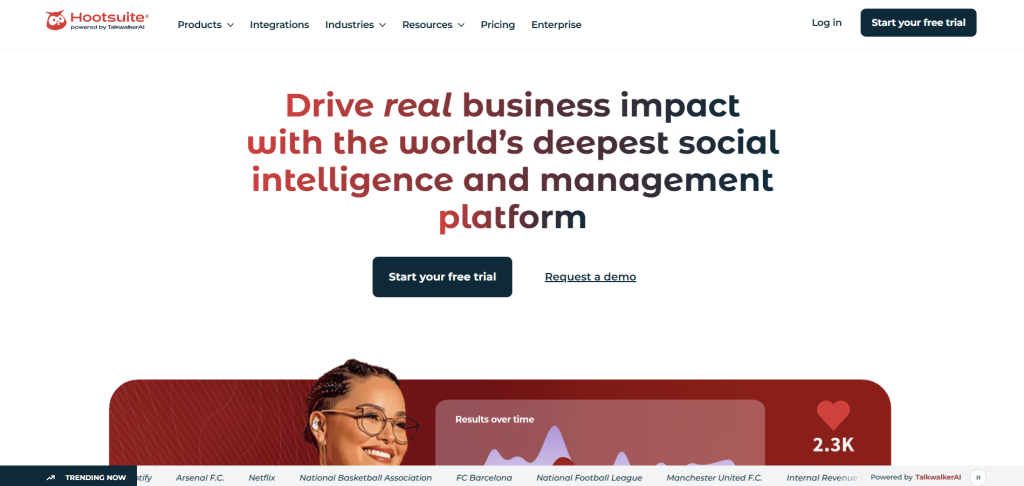
Hootsuite is one of the oldest tools in this space.
It’s built more for teams than individuals.
Pricing
- Starts around $99/month (no strong free plan anymore)
What I liked
- Very powerful dashboard
- Good for managing multiple accounts
- Strong analytics and reporting
- Team collaboration tools
What I didn’t like
- Expensive
- Feels heavy if you’re a solo user
Best suits your needs if:
You manage clients or multiple social media accounts.
3. Later – best for visual planning
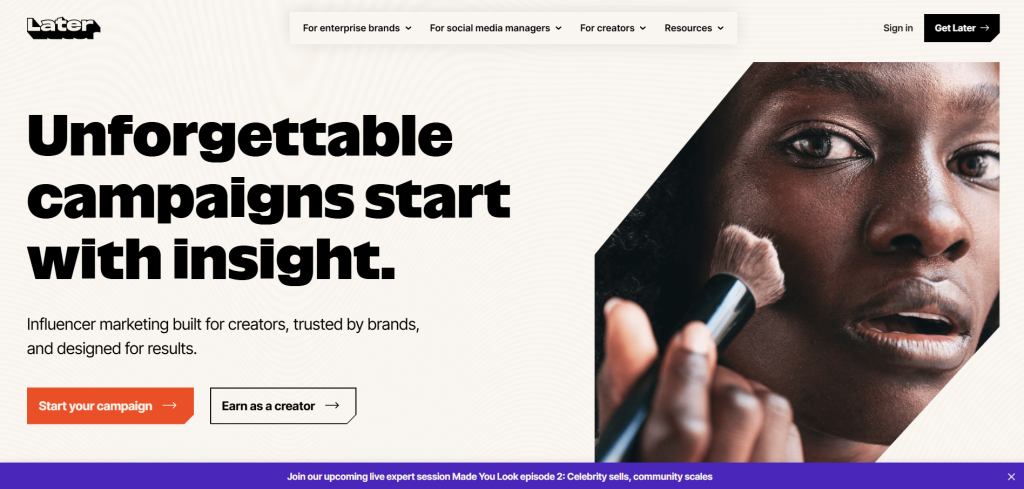
Later is very focused on visual content, especially Instagram.
It feels more like a planner than a technical tool.
Pricing
- Free plan available (limited features)
- Paid plans start around $25/month
What I liked
- Visual drag-and-drop calendar
- Great for Instagram and TikTok
- Easy content planning
- Good for creators
What I didn’t like
- Not as strong for Twitter/X or LinkedIn
- Some features locked behind paid plans
Best suits your needs if:
You care about how your feed looks and plan a lot of visual content.
4. Metricool – best all-in-one budget option
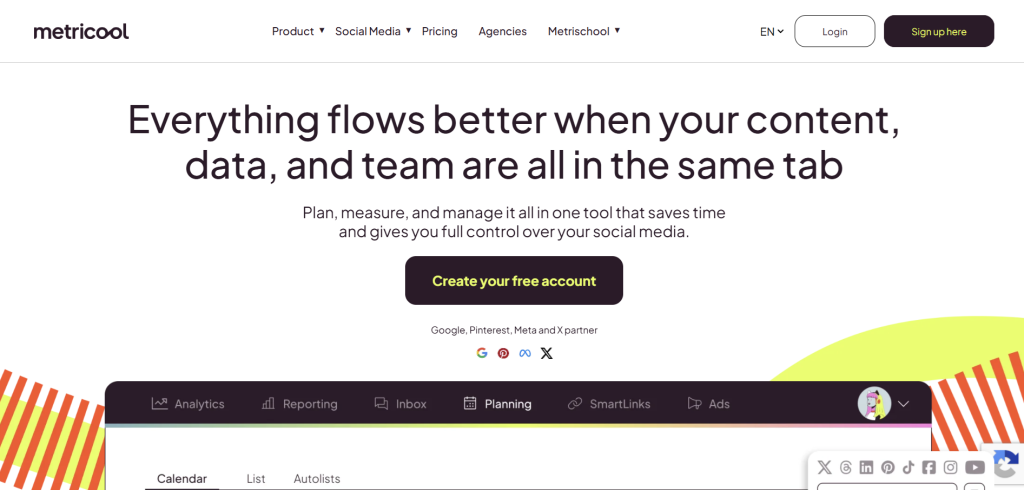
Metricool is one of the most underrated tools I tried.
It combines scheduling, analytics, and tracking in one place.
Pricing
- Free plan available
- Paid plans start around $18/month
What I liked
- Good mix of scheduling + analytics
- Works with many platforms
- Solid free plan
- Easy to understand
What I didn’t like
- Interface feels a bit technical at first
- Not as polished as Buffer or Later
Best suits your needs if:
You want scheduling + analytics without paying a lot.
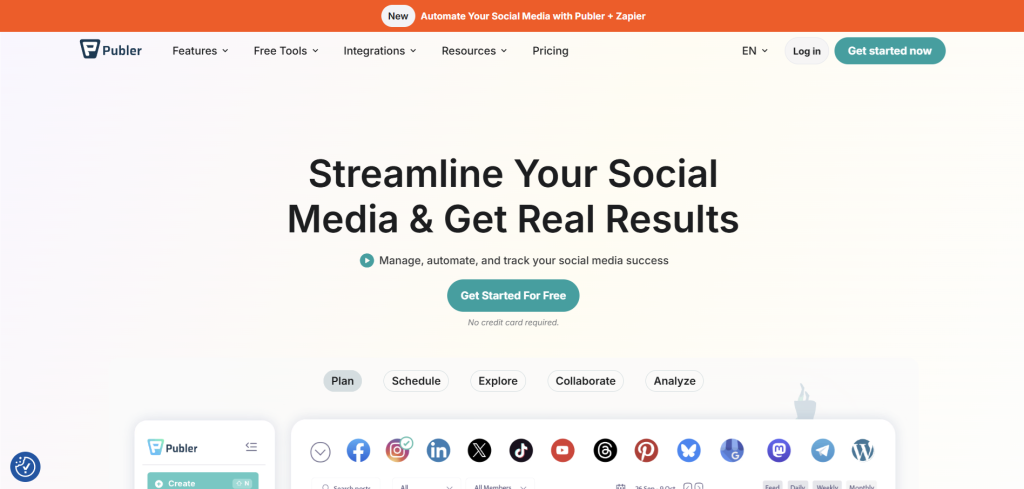
5. Publer – best low-cost option
Publer is a simple and affordable tool that does the job well.
It focuses on scheduling without overcomplicating things.
Pricing
- Free plan available
- Paid plans start around $5–$10/month
What I liked
- Very affordable
- Easy scheduling system
- Supports multiple platforms
- Good for beginners
What I didn’t like
- Not as well known
- Fewer advanced features
Best suits your needs if:
You want something cheap and simple that just works.
Which social media scheduler should you choose?
Here’s how I see it:
- If you want something simple → Buffer
- If you run an agency → Hootsuite
- If you focus on visuals → Later
- If you want value + analytics → Metricool
- If you want cheap and basic → Publer
FAQ
What is the best social media scheduling tool in 2026?
It depends on what you need. For most people, Buffer is the easiest all-round option. If you need more advanced features, Hootsuite is better for teams.
Are social media scheduling tools worth it?
Yes. They save a lot of time and help you stay consistent. Instead of posting every day manually, you can plan everything in advance and let it run automatically.
Which social media scheduler is best for beginners?
Buffer and Publer are the easiest to start with. They don’t need much setup and are simple to understand.
What is the cheapest social media scheduling tool?
Publer is one of the cheapest options, and it even has a free plan. Buffer also has a free plan with basic features.
Do I need paid tools to schedule social media posts?
Not always. Free plans are enough for beginners. But paid plans usually give you more accounts, better analytics, and more scheduling options.
Can I manage all social media platforms in one tool?
Yes. Most tools like Hootsuite and Metricool let you manage multiple platforms in one dashboard.
My takeaway
You don’t really need a complicated tool when starting out.
I personally think most people overthink this part.
If I was starting again:
I’d probably just use Buffer or Publer and keep things simple.
Once you grow, you can always move to more advanced tools later.

