

I started using Calendly because I needed a simple way for people to book time with me.
At first, it felt like one of those tools you don’t really think about — it just works.
Send a link, someone picks a time, done.
But after a while, I started noticing I wanted a bit more control. Some things felt limited, pricing didn’t scale nicely, and I found myself wondering if there were better options depending on how you work.
So I went down the rabbit hole and tested a few alternatives.
Here’s what actually stood out to me in 2026.
Calendly Alternatives Comparison (2026)
| Tool | What it feels like | Pricing | Best for | Main downside |
|---|---|---|---|---|
| Calendly | Simple and reliable scheduling | Free + paid from ~$10/month | Basic scheduling | Limited flexibility |
| SavvyCal | Modern and smooth experience | ~$12–$20/month | Better user experience | Smaller platform |
| Cal.com | Flexible and customizable | Free + ~$12/month | Full control / advanced users | Slight learning curve |
| Acuity Scheduling | Business-focused booking system | ~$20–$60/month | Client bookings + payments | Can feel heavy |
| TidyCal | Very simple setup tool | ~$29 lifetime / free limited | Cheap basic scheduling | Limited features |
| HubSpot Meetings | CRM-based scheduling system | Free + paid HubSpot plans | Sales and leads tracking | Only useful in HubSpot system |
| Tool | Best for + Pricing |
|---|---|
| Calendly | Basic scheduling – Free + paid plans |
| SavvyCal | Modern feel – ~$12–20/month |
| Cal.com | Flexible setup – Free + ~$12/month |
| Acuity Scheduling | Client bookings – ~$20–60/month |
| TidyCal | Simple & cheap – ~$29 lifetime |
| HubSpot Meetings | CRM users – Free + paid plans |
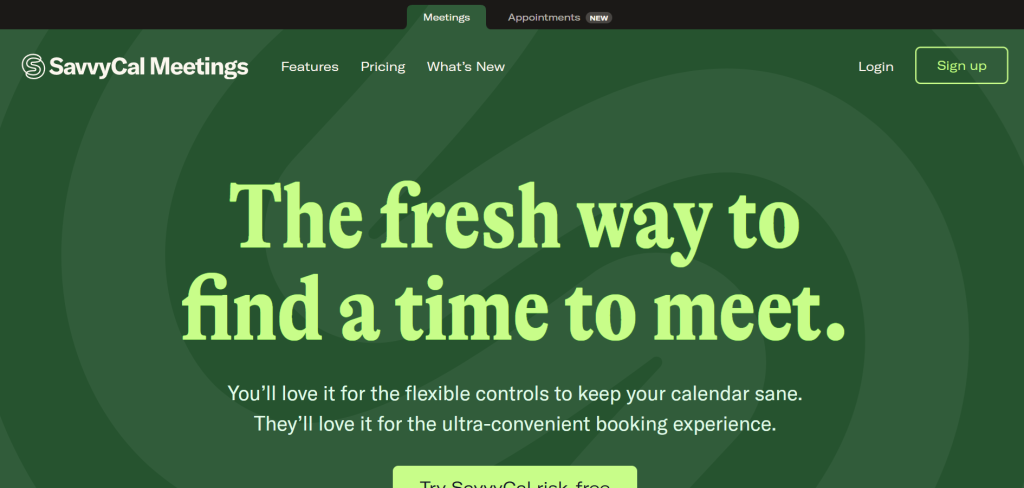
1. SavvyCal – the one that felt most “natural”
SavvyCal honestly felt like what Calendly should feel like now.
What I liked straight away is that it doesn’t feel rigid. When someone books time, they can actually see your calendar in a more natural way instead of just clicking random slots.
Pricing
- Around $12/month for personal use
- Around $20/month for teams
My experience
It just feels smoother. Less “corporate tool,” more modern and human.
Where it didn’t win me over fully
It’s still smaller than Calendly, so not everything is as built out.
Best suits your needs if:
You want something that feels more modern and less stiff than Calendly.
2. Cal.com – the most flexible one I tried
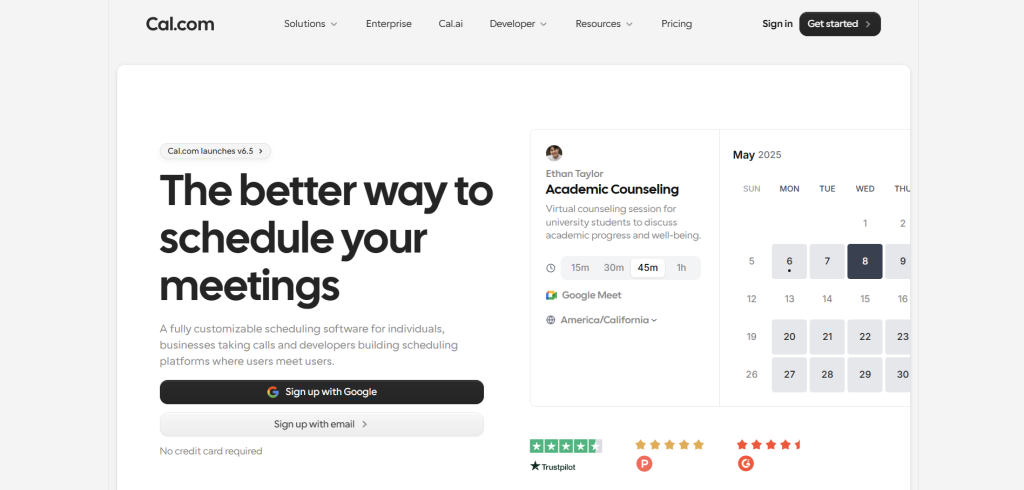
Cal.com is basically the “build it your way” option.
It’s open-source, which means you can go really deep if you want to customize things.
Pricing
- Free self-hosted version
- Paid cloud version around $12/month
My experience
This one felt powerful but slightly technical. Not hard, just not “click and forget.”
What stood out
You can really shape it to how you want your scheduling to work, which is rare.
Best suits your needs if:
You like control or want a free alternative that doesn’t feel limited.
3. Acuity Scheduling – best for real client work
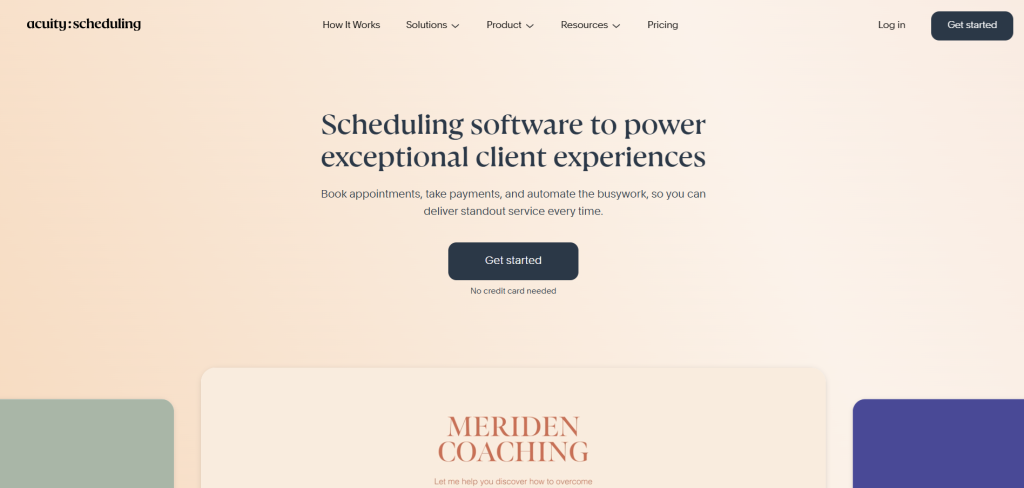
Acuity Scheduling feels like it’s built for people who actually run appointments as part of their business.
Coaches, consultants, service-based work — that kind of thing.
Pricing
- Around $20/month to start
- Can go higher depending on features
My experience
This one feels more “business serious.” It’s not just scheduling — it handles payments and clients too.
Downside
It feels a bit heavier than the others.
Best suits your needs if:
You book clients and want scheduling tied to payments and services.
4. TidyCal – the simplest one I tested
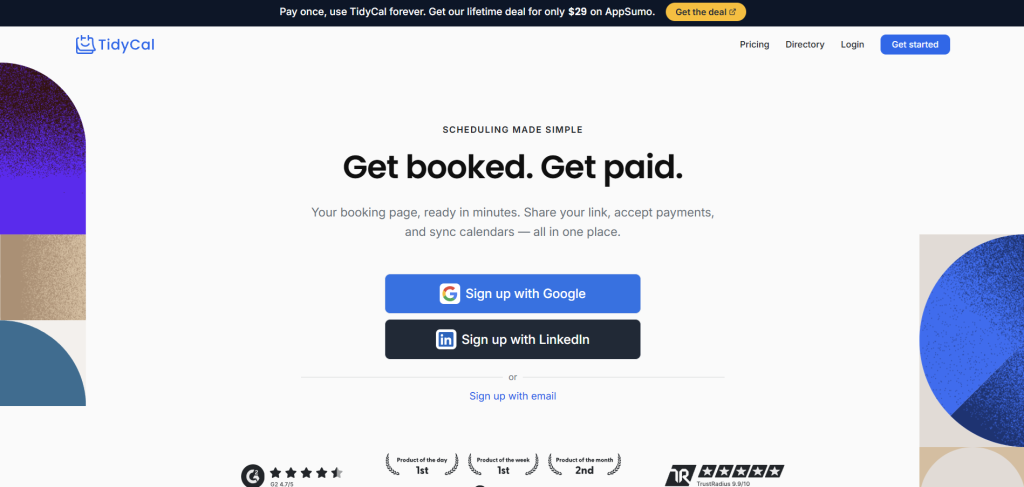
TidyCal surprised me because of how simple it is.
There’s almost nothing to figure out.
Pricing
- Often a one-time payment (around $29 lifetime deal)
- Free version available with limits
My experience
It’s one of those tools where you set it up once and forget about it.
Downside
You won’t find advanced features here.
Best suits your needs if:
You just want something cheap that does basic scheduling without thinking about it.
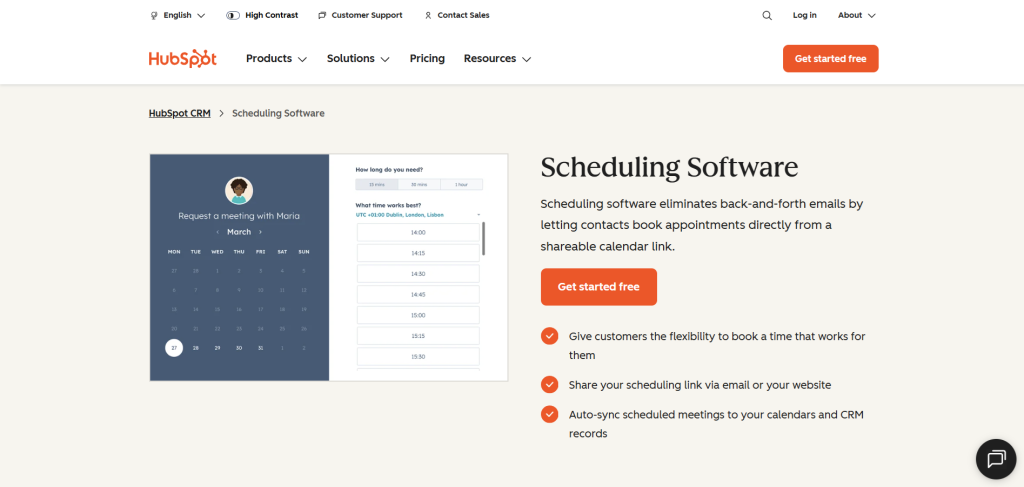
5. HubSpot Meetings – best if you run a business system
HubSpot Meetings is different because it’s part of a bigger system.
It connects directly with CRM tools, contacts, and sales tracking.
Pricing
- Free version available
- Paid plans depend on full HubSpot setup (starts around $20/month+)
My experience
This one only really makes sense if you already use HubSpot. Otherwise, it can feel like too much.
Best suits your needs if:
You care about leads, clients, and tracking meetings inside a business system.
FAQ
Is Calendly still worth using in 2026?
Yes, Calendly is still a solid tool. It’s simple, reliable, and works for most people. I just think there are alternatives that feel more flexible depending on how you work.
What is the easiest Calendly alternative?
From what I tested, TidyCal and Cal.com are the easiest to start with. TidyCal is very simple, and Cal.com gives you more control if you want it.
What is the best free Calendly alternative?
Cal.com is the best free option overall because it offers a lot of features even without paying. TidyCal is also a good low-cost alternative.
Which Calendly alternative is best for client bookings?
Acuity Scheduling is the best if you take client bookings or run a service-based business. It handles payments and appointments in one place.
What is the best modern alternative to Calendly?
SavvyCal feels the most modern and smooth in my opinion. It’s simple but more natural to use than traditional scheduling tools.
Do I need a paid scheduling tool?
Not always. Many tools like Calendly, Cal.com, and TidyCal have free or low-cost plans that are enough for most people.
Which Calendly alternative should I choose?
It depends on your needs:
- Simple use → TidyCal
- More control → Cal.com
- Client work → Acuity Scheduling
- Modern feel → SavvyCal
- Business system → HubSpot Meetings
No related posts.

