

I started with Microsoft OneNote like a lot of people.
It’s free, it comes with Windows, and it does the job.
So I just stuck with it.
But over time, I started feeling like it wasn’t really fitting how I work anymore. Notes got messy, syncing sometimes felt slow, and I wanted something that felt a bit cleaner and more modern.
So I started trying other apps.
Some of them made note-taking feel way easier.
Here are the ones I think are actually worth using in 2026.
OneNote Alternatives Compared
| Tool | What it is like | Pricing | Best for | Main downside |
|---|---|---|---|---|
| OneNote | Digital notebook inside folders and pages | Free + ~$9.99/month with Microsoft 365 | Basic notes, school, work | Can feel messy over time |
| Notion | Full workspace for notes, tasks, and planning | Free + ~$8–10/month | All-in-one system | Can feel complex at first |
| Obsidian | Local notes with linked ideas | Free + ~$4/month sync (optional) | Writing and deep thinking | Not beginner-friendly |
| Google Keep | Simple sticky note style app | Free | Quick notes and reminders | Very basic features |
| Apple Notes | Built-in Apple note app | Free | Apple users | Only best in Apple ecosystem |
| Evernote | Structured note and web saving tool | Free + ~$10–15/month | Work notes and research | Paid plan can be expensive |
| Tool | Best for + Pricing |
|---|---|
| OneNote | Basic notes – Free + Microsoft 365 option |
| Notion | All-in-one system – Free + ~$8–10/month |
| Obsidian | Writing & ideas – Free + optional ~$4/month |
| Google Keep | Quick notes – Free |
| Apple Notes | Apple users – Free |
| Evernote | Work & research – Free + ~$10–15/month |
What is Microsoft OneNote?
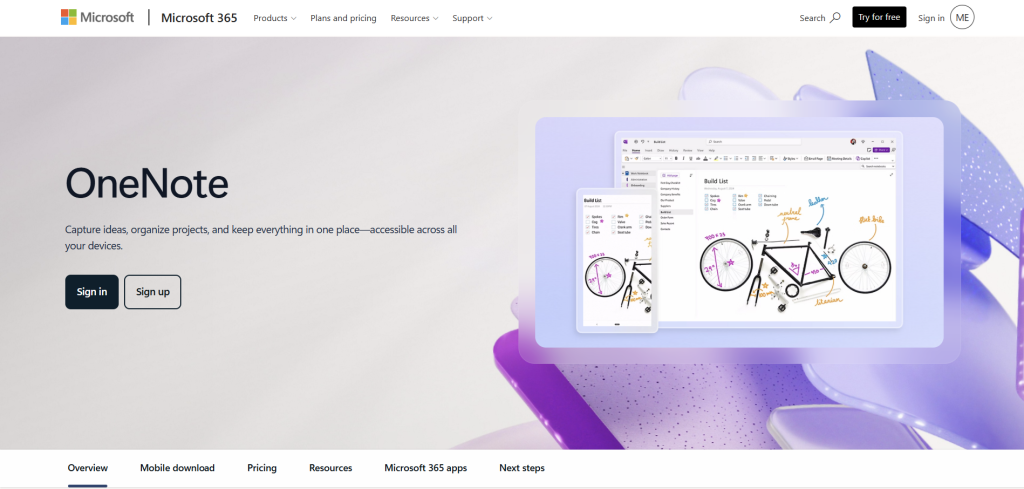
Microsoft OneNote is a digital notebook app made by Microsoft.
Think of it like a collection of notebooks on your computer or phone. Inside each notebook, you can create sections and pages where you write notes, add images, links, drawings, or even voice notes.
It syncs across devices, so you can open your notes on your phone, laptop, or tablet.
It’s mainly used for:
- personal notes
- school notes
- work organization
- planning projects
- saving ideas
Pricing
OneNote is mostly free to use.
- Free version: available for everyone
- basic features
- limited cloud storage (through OneDrive)
- Paid option: through Microsoft 365
- around $9.99/month (Personal) or $12.99/month (Family)
- extra cloud storage
- access to full Office apps like Word, Excel, PowerPoint
- better integration across devices
So basically:
- you can use OneNote free
- but you pay if you want more storage and the full Microsoft ecosystem
Why I started looking for alternatives
For me, it wasn’t one big problem. It was a few small things:
- notes started feeling messy over time
- I wanted a cleaner layout
- I wanted faster and simpler apps
- I didn’t always need all the extra features
So I tested a few other tools to see what actually fits better.
1. Notion – when you want everything in one place
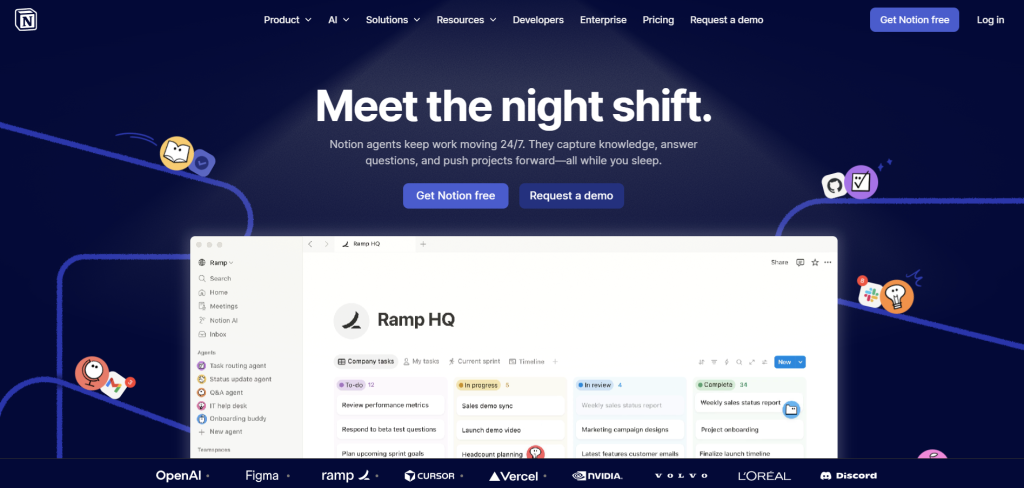
Notion is not just a notes app. It’s more like a full workspace.
Instead of separate notebooks, everything is built using pages that can also become databases, tables, task lists, or simple notes.
It feels very flexible, almost like building your own system.
Pricing
- Free plan available
- Paid plan around $8–$10/month per user
How it feels different from OneNote
OneNote is more like a notebook you write in.
Notion is more like building your own digital system.
Best suits your needs if:
You want notes, tasks, planning, and organization all in one place instead of using multiple apps.
2. Obsidian – when you want full control of your notes
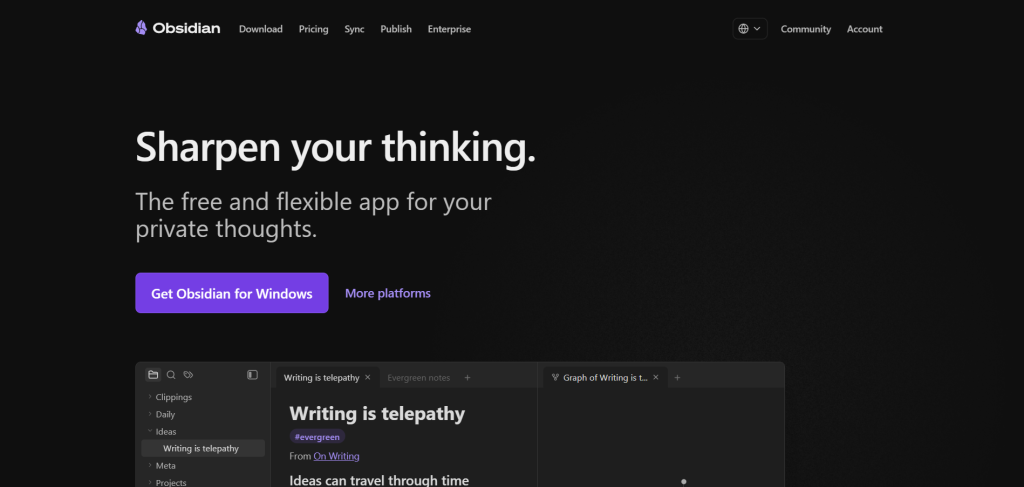
Obsidian feels very different from most apps.
Instead of storing everything in the cloud first, your notes are saved locally on your device as files.
You can also link notes together, so ideas connect like a web instead of a folder system.
Pricing
- Free for personal use
- Optional sync: around $4/month
- Optional commercial license for business use
How it feels different from OneNote
OneNote is structured like notebooks.
Obsidian is more like building your own knowledge system with linked ideas.
Best suits your needs if:
You write a lot, think in ideas, or want full ownership of your notes.
3. Google Keep – when you just want something fast
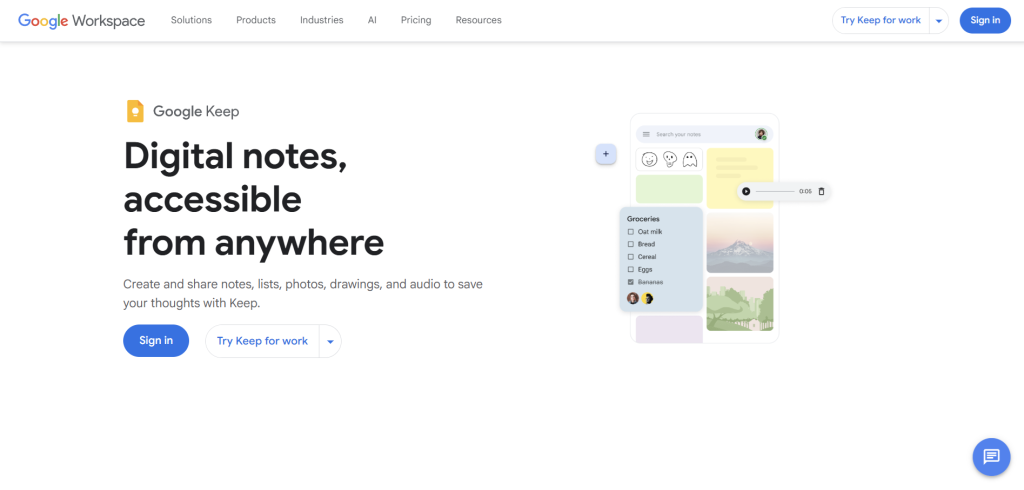
Google Keep is the simplest one on this list.
You open it, type, and you’re done.
No structure, no setup, no learning curve.
It’s more like digital sticky notes.
Pricing
- Completely free with Google account
How it feels different from OneNote
OneNote is structured and organized.
Google Keep is quick and messy in a good way.
Best suits your needs if:
You just want quick notes, reminders, or ideas you don’t want to forget.
4. Apple Notes – when you already use Apple devices
Apple Notes comes built into iPhones, iPads, and Macs.
It’s simple but surprisingly powerful now.
You can add folders, scan documents, draw, and even lock notes.
Pricing
- Free with Apple devices and iCloud
How it feels different from OneNote
OneNote is cross-platform but heavier.
Apple Notes is simple, fast, and deeply integrated into Apple devices.
Best suits your needs if:
You already use Apple products and want something that just works without thinking about it.
5. Evernote – when you want structured work notes
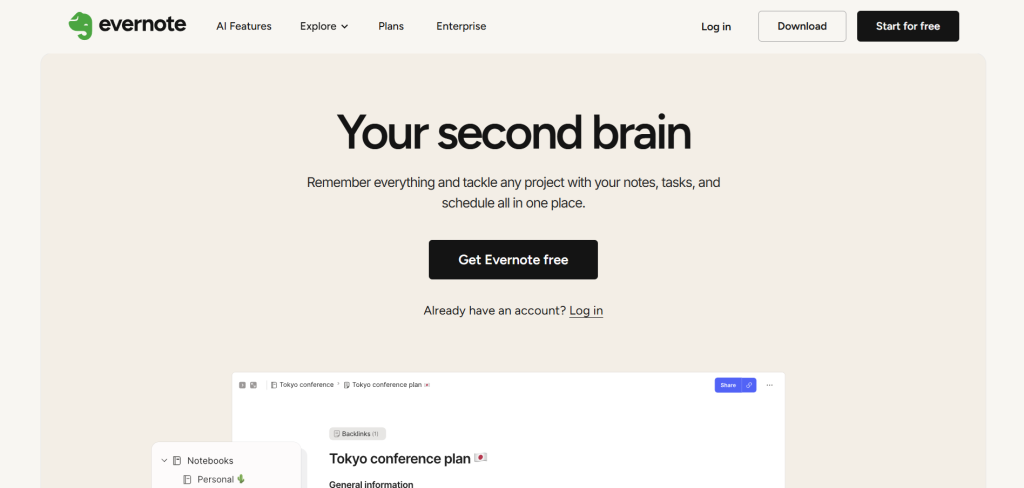
Evernote is one of the older apps, but still used by a lot of people.
It’s strong at organizing notes and saving content from the web.
It also has a good search system and web clipper.
Pricing
- Free plan (very limited)
- Paid plan around $10–$15/month
How it feels different from OneNote
OneNote is more flexible and open.
Evernote is more structured and focused on storing information properly.
Best suits your needs if:
You collect a lot of research, articles, or work-related notes.
Which OneNote alternative is best for your needs?
Here’s the simple way I see it:
- If you want everything in one place → Notion
- If you want deep thinking and writing → Obsidian
- If you want fast notes → Google Keep
- If you use Apple devices → Apple Notes
- If you want structured work notes → Evernote
FAQ
Is Microsoft OneNote still good in 2026?
Yes, Microsoft OneNote is still a solid note-taking app. It works well for basic notes, school, and work.
I just think newer apps feel faster and more flexible depending on how you like to organize things.
What is the easiest OneNote alternative?
The easiest ones are Google Keep and Apple Notes.
They don’t need setup, and you can start using them right away.
What is the best all-in-one alternative to OneNote?
Notion is the closest thing to an all-in-one system.
You can use it for notes, tasks, planning, and even simple databases.
Which OneNote alternative is best for writing and ideas?
Obsidian is the best if you like writing and thinking deeply.
It feels more like a personal system where your ideas connect over time.
Which OneNote alternative is best for work notes?
Evernote is still strong for structured work notes, saving articles, and organizing information in a clear way.
Are these note apps free?
Most of them have free versions:
- Google Keep is completely free
- Apple Notes is free with Apple devices
- Notion has a free plan
- Obsidian is free for personal use
- Evernote has limited free features
What should I pick instead of OneNote?
It depends on how you work:
- Simple notes → Google Keep or Apple Notes
- Organized system → Notion
- Deep writing → Obsidian
- Work and research → Evernote
My takeaway
Microsoft OneNote is still fine. It’s not outdated or broken.
But depending on how you work, there are tools that feel more natural today.
For me personally:
- Notion for planning
- Obsidian for writing
- Google Keep for quick ideas
That mix works better than trying to force everything into one app.

