

You copy something important… then you copy something else… and the first thing is gone.
It sounds small, but it’s one of those everyday problems that can waste a lot of time.
I used to lose copied text all the time while writing, working between tabs, or moving notes around. I’d copy something, switch apps, and then realize I needed it again. But it was already gone.
That’s what led me to try clipboard manager apps.
These tools save everything you copy, so you can go back and find it later.
I tested 5 different ones on Mac and Windows to see which ones are actually useful in normal day-to-day work.
What a clipboard manager actually does
A clipboard manager is just a tool that remembers everything you copy.
Instead of only keeping your last copy, it keeps a history.
So you can:
- Go back and find old text you copied
- Avoid losing important info
- Copy things faster during work
- Keep track of links, notes, and text snippets
- Sometimes even sync across devices
Once you start using one, normal copy-paste feels very limited.
Best clipboard managers in 2026 (quick overview)
If you just want a fast look before details, here it is:
| Tool | Works on | Price | Best for |
|---|---|---|---|
| Paste | Mac, iOS | Paid | Apple users with sync |
| Maccy | Mac | Free | Simple daily use |
| Ditto | Windows | Free | Basic clipboard history |
| Clipboard Master | Windows | Free | Extra productivity tools |
| PastePal | Mac, iOS | Free + paid | Clean modern design |
1. Paste — Best clipboard manager for Apple users
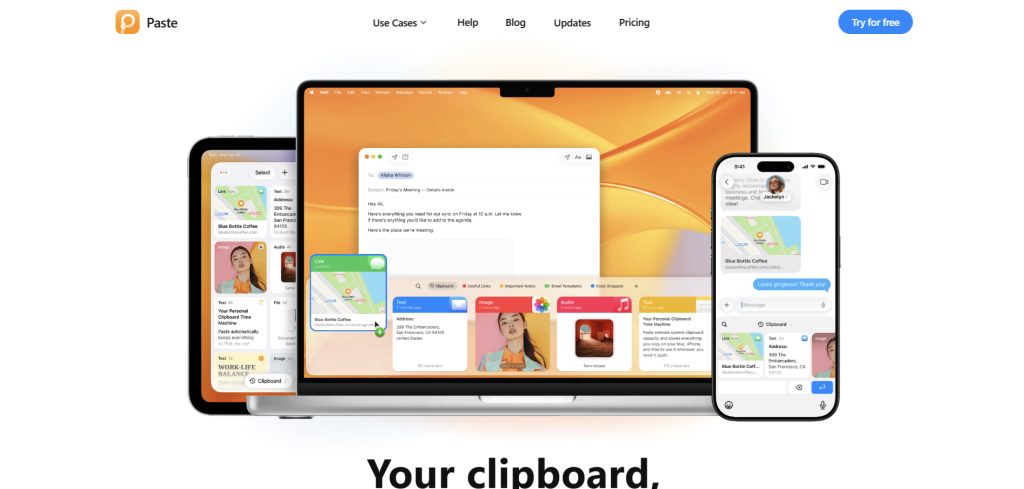
Paste is one of the smoothest clipboard apps I tested for Mac, iPhone, and iPad.
The first time I used it, I actually went back and found text I copied hours earlier without even thinking about it. That alone made my workflow easier.
Instead of worrying about what I copied, I just focus on my work and know it’s saved.
What it’s like to use:
Everything you copy is stored automatically. You can scroll through your history or search for something specific. It feels clean and organized, not messy.
Main features:
- Saves everything you copy automatically
- Works across Mac, iPhone, and iPad
- Lets you group copied items into sections
- Fast search for old clips
- Clean, easy-to-use design
My honest view:
This feels like a “premium” tool. It’s simple, but very polished.
Best for: People using Apple devices who want everything synced and organized.
2. Maccy — Best free clipboard manager for Mac
Maccy is the tool I ended up using most often.
It’s very simple, and that’s the point.
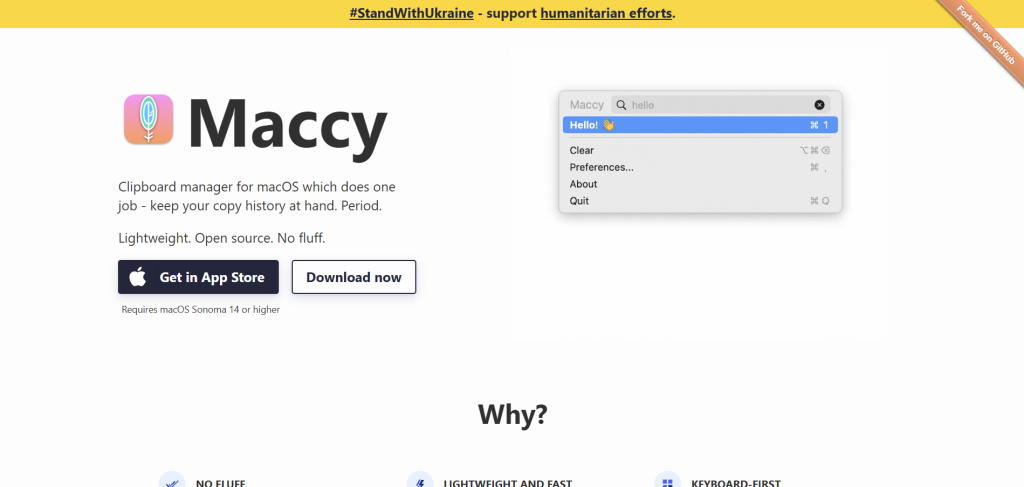
You press a shortcut, your clipboard history pops up, and you search or paste what you need.
No extra steps. No distractions.
What it’s like to use:
It feels fast and natural. It doesn’t try to do too much. It just quietly saves everything you copy.
Main features:
- Very fast and lightweight
- Simple search for clipboard history
- Keyboard shortcut based
- No clutter or extra tools
- Free and open-source
My honest view:
This is the kind of tool that blends into your workflow. You forget it’s even there until you need it.
Best for: Mac users who want something simple and free.
3. Ditto — Best free clipboard manager for Windows
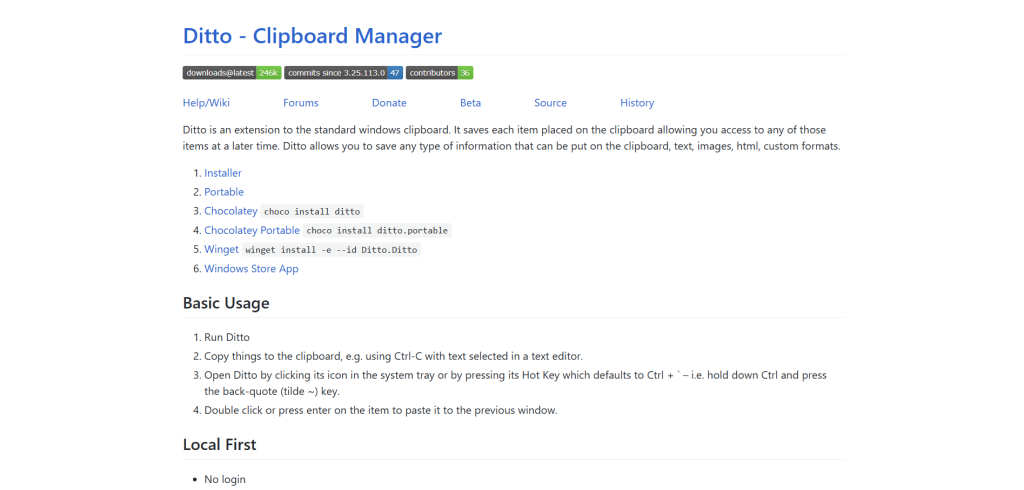
Ditto is a simple but powerful tool for Windows users.
It saves everything you copy and lets you find it again easily.
It’s not fancy, but it works very well.
What it’s like to use:
It feels very practical. You copy things, and they stay saved. Later, you search and find them quickly.
Main features:
- Saves text, images, and files
- Simple search function
- Very lightweight
- Completely free
- Custom shortcuts
My honest view:
It’s not about design. It’s about function. And it does that job well.
Best for: Windows users who want a free, no-nonsense tool.
4. Clipboard Master — Best for extra productivity tools (Windows)
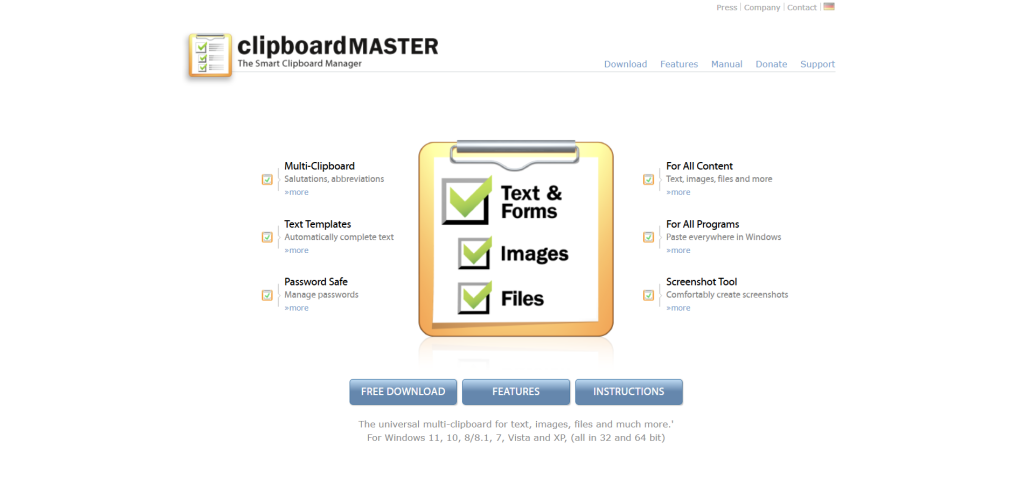
Clipboard Master is more than just a clipboard manager.
It’s closer to a small productivity toolkit.
When I tested it, I noticed it’s made for people who copy and reuse a lot of repeated text, like emails or messages.
What it’s like to use:
It feels more advanced than the others. There are more tools, but also more options to explore.
Main features:
- Saves clipboard history
- Built-in text templates
- Screenshot tool included
- Organizing and filtering tools
- Strong search features
My honest view:
It’s useful, but a bit heavier. It’s more for people who want extra features, not just simple copy history.
Best for: Windows users who want more productivity tools.
5. PastePal — Best modern clipboard app for Mac & iOS
PastePal is a newer clipboard manager with a clean and modern feel.
Compared to older tools, it feels fresher and easier to look at.
What it’s like to use:
It feels simple and modern. You can see your copied items clearly, and everything is organized in a neat way.
Main features:
- Clean, modern interface
- Works on Mac and iPhone
- Groups copied items automatically
- Privacy settings included
- One-time payment option available
My honest view:
This is a good middle ground between simple tools and premium apps.
Best for: Apple users who want something modern and easy.

My recommendation
After using all 5 tools in real work, here’s what I’d actually suggest:
- If you use Mac and want free → Maccy
- If you use Windows and want simple → Ditto
- If you use Apple devices and want the best experience → Paste
- If you want a modern Apple app without subscription feel → PastePal
- If you want extra tools on Windows → Clipboard Master

