

1Password is a good password manager, but the price has gone up and some people are looking for something cheaper or simpler. Individual annual plans went from $35.88 to $47.88, and family plans went from $59.88 to $71.88. If you’re thinking about switching, here are five options worth checking out.
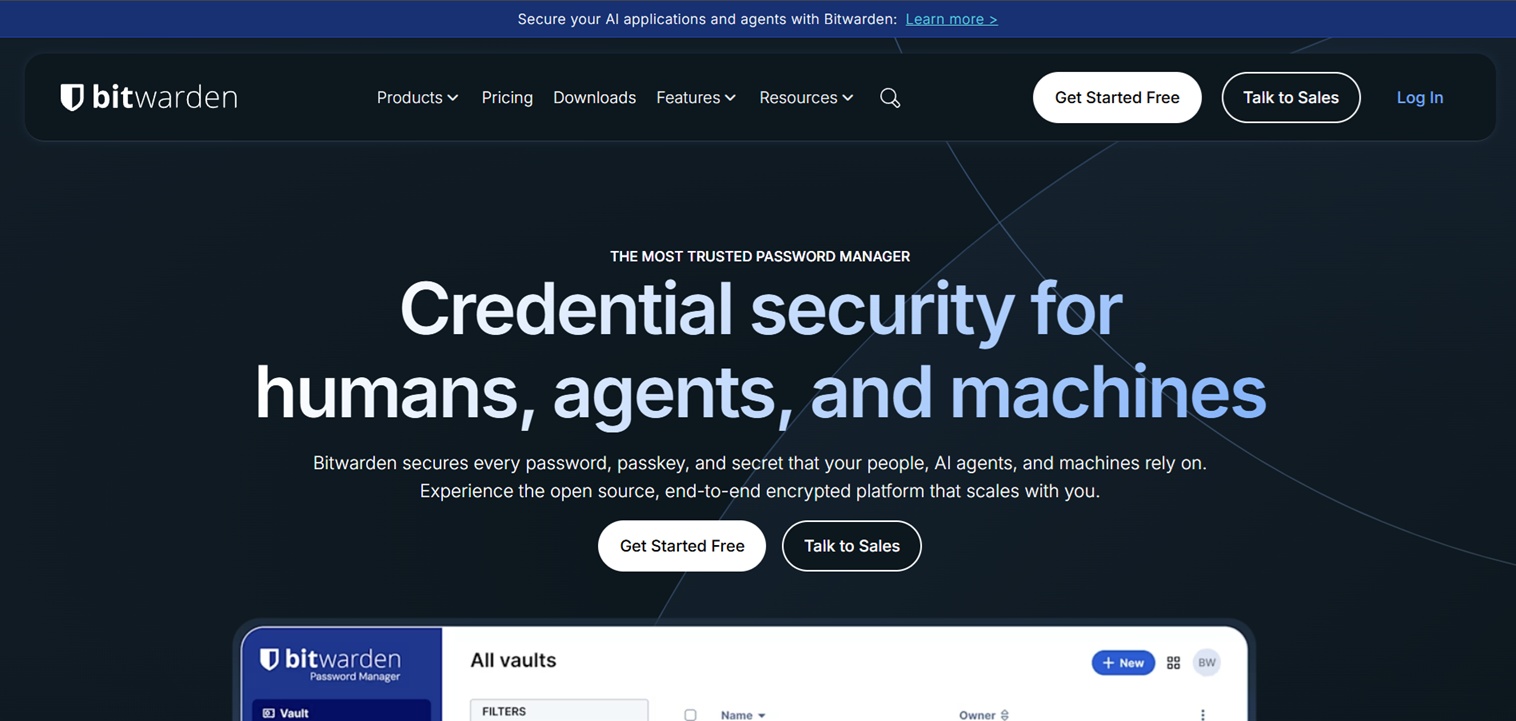
Bitwarden is open source, which means anyone can look at the code to check it’s safe. It has a free plan you can use for as long as you want, not just a trial.
You can also store your encrypted files on your own server if you want more control over your data.
Key features:
- Open source code, anyone can review it
- Free plan with no time limit
- Self-hosting option for your encrypted data
- Cross-platform (Windows, Mac, Android, iOS, browsers)
- Password generator and basic vault sharing
Pricing: Free plan available. Premium plan costs under $1 a month for individuals.
2. NordPass — good for security
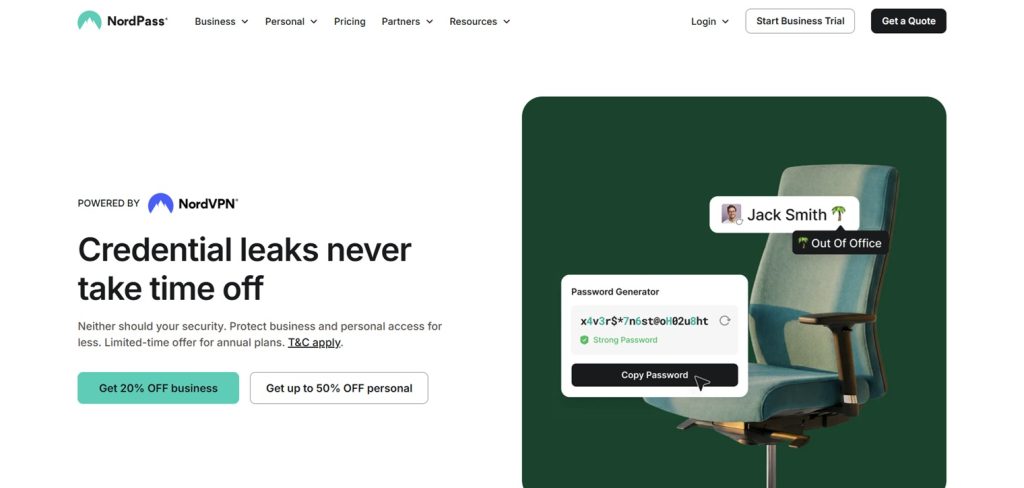
NordPass is made by the company behind NordVPN. It uses XChaCha20 encryption, which is stronger than the regular AES-256 most other password managers use, and this is included even on the free plan.
Unlike 1Password, which only gives you a 14-day trial before you have to pay, NordPass has a free plan with no time limit.
Key features:
- XChaCha20 encryption on free and paid plans
- Vault storage, password generator, and fingerprint/Face ID login on the free plan
- 24/7 live chat support on any plan
- Passkey support
Pricing: Free plan available. Paid plans start at $1.49/mo and unlock data breach alerts, email masking, and emergency access.
3. Dashlane — includes extra tools
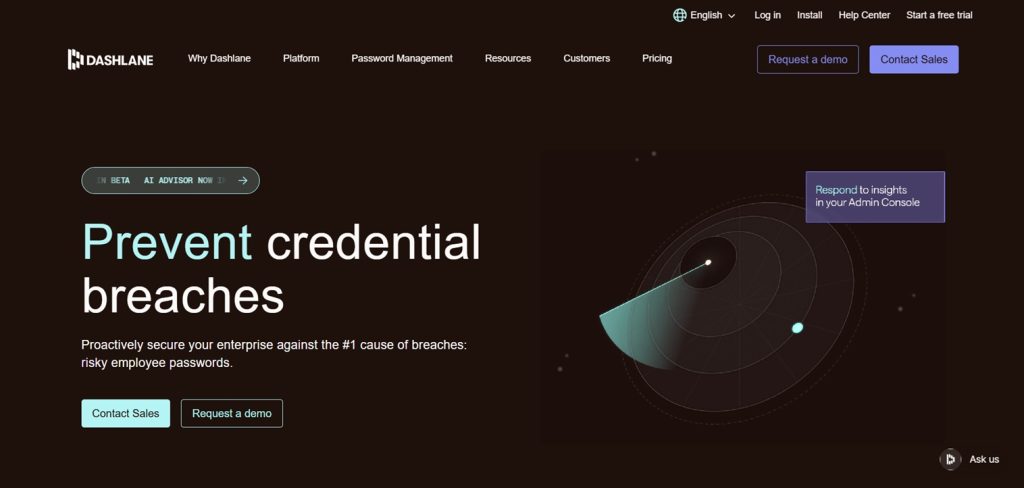
Dashlane gives you more than just password storage. It includes encryption, a security center, automatic password changing, and a built-in VPN. It’s used by over 15 million people and 20,000 organizations.
Key features:
- Zero-knowledge encryption
- Built-in VPN and automatic password changer
- Dark web monitoring
- Works on Windows, Mac, Android, and iPhone
Pricing: Free plan available. Paid plans start around $2.99/mo.
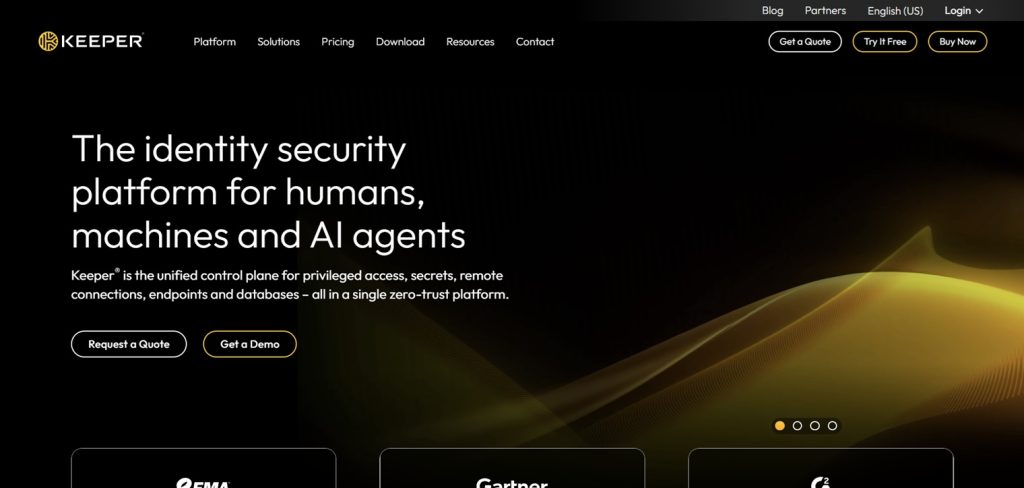
Keeper lets you adjust settings and permissions more than most other apps. It’s useful if you’re managing a team and need to control who can see or edit what.
Key features:
- Customizable vault and admin controls
- Emergency access and data breach monitoring
- Highly customizable password generator
- Role-based permissions for teams
Pricing: Paid plans only, no permanent free tier. Individual plans typically start around $2-3/mo, with business pricing per user.
5. Proton Pass — focused on privacy
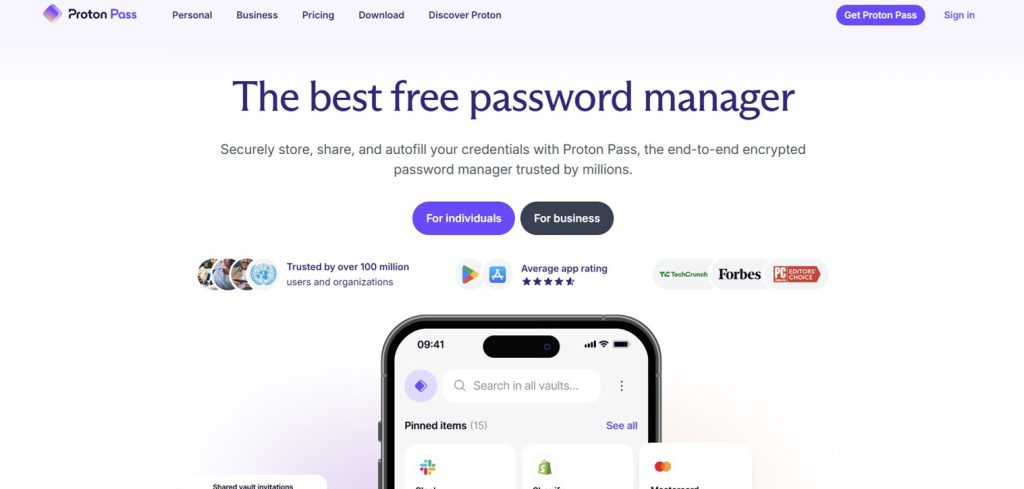
Proton Pass comes from the same company as Proton Mail and Proton VPN. It uses the same type of encryption as their other products and can create email aliases to keep your real email out of data breaches.
Key features:
- Zero-access encryption (same as other Proton products)
- Email alias generation to protect your real inbox
- Integrates with Proton Mail and Proton VPN
- Free plan that’s actually usable
Pricing: Free plan available, starting from $0.00/month. Paid plans listed from around $2.49/mo.
A few other options
RoboForm is affordable and easy to use. KeePassXC works fully offline with no tracking or ads and is completely free. Securden is free for up to 5 business users, which is good for small teams.
Why people are switching from 1Password
- There’s no free plan — you pay from day one, starting around $2.99/month for individuals and up to $7.99 per user/month for businesses.
- Some businesses are watching costs more closely now, especially with larger teams.
- There’s no VPN included, so you’d need a separate subscription for that.
- The industry is moving toward passkeys and biometric login, and some other apps support this more fully.
How to pick one
- Want something free or cheap? Try Bitwarden or NordPass.
- Want extra features like a VPN? Try Dashlane.
- Managing a team? Try Keeper.
- Want privacy as the main focus? Try Proton Pass.
- Want to host your own data? Try Bitwarden or KeePassXC.
How to switch
- Export your vault from 1Password.
- Remove any old or duplicate entries.
- Import the file into your new password manager.
- Check your important logins (bank, email, work) to make sure they transferred correctly.
- Update your browser extensions and apps, then delete 1Password.
Tools like Bitwarden’s importer handle most of the cleanup automatically.
FAQ
Is it safe to switch password managers?
Yes, as long as you check everything transferred correctly before deleting your old account.
Which alternative is the cheapest?
Bitwarden. The free plan covers the basics, and the paid plan is under $1 a month.
Is there a free option that doesn’t expire?
Yes, both Bitwarden and NordPass have free plans with no time limit.
Which one is the most secure?
NordPass stands out because of its encryption, but all five options listed here are considered secure. A weak master password is usually a bigger risk than the app itself.
Will I lose my old passwords when I switch?
No, you export your vault from 1Password and import it into the new app. Just double-check your important logins after.
Is Bitwarden safe even though it’s free and open source?
Yes. Being open source means the code can be checked by anyone, which is actually seen as a security advantage by many experts.
Can businesses use these too?
Yes. Keeper and Dashlane both offer business plans, and Securden is free for small teams of up to 5 users.
Should I wait for passkeys instead of switching now?
No need to wait. Most of these apps already support passkeys, so you can use both passwords and passkeys at the same time.

