

Midjourney is still one of the best AI image generators, but it won’t be the right choice for everyone. There’s no free trial anymore, your images are public by default unless you pay for a higher plan, and the monthly subscription can feel expensive if you only use it once in a while.
If you’re looking for something different, maybe it’s cheaper, easier to use, better at generating text in images, or just fits the way you like to work, you’ve got plenty of good options. In this guide, I’ve rounded up the best Midjourney alternatives to try in 2026 and what each one does best.
Best Midjourney Alternatives Comparison
| Tool | Best For | Key Feature | Free Tier | Paid Plans From |
|---|---|---|---|---|
| Leonardo.ai | Overall alternative | Multiple models + Canvas Editor | Yes, daily tokens | $10/month |
| Ideogram | Text, logos, posters | Accurate in-image text | Yes, 10 credits/week | $7/month |
| Adobe Firefly | Commercial/brand work | Legal indemnification | Yes, via Adobe Express | $9.99/month |
| Flux / Stable Diffusion | Full control, open-source | LoRA & ControlNet support | Yes, if self-hosted | ~$15/month (hosted) |
| GPT Image (ChatGPT) | Beginners | Plain-language prompting | Limited free | $20/month |
| Midjourney (for reference) | Artistic, painterly style | Distinctive aesthetic | No free trial | $10/month |
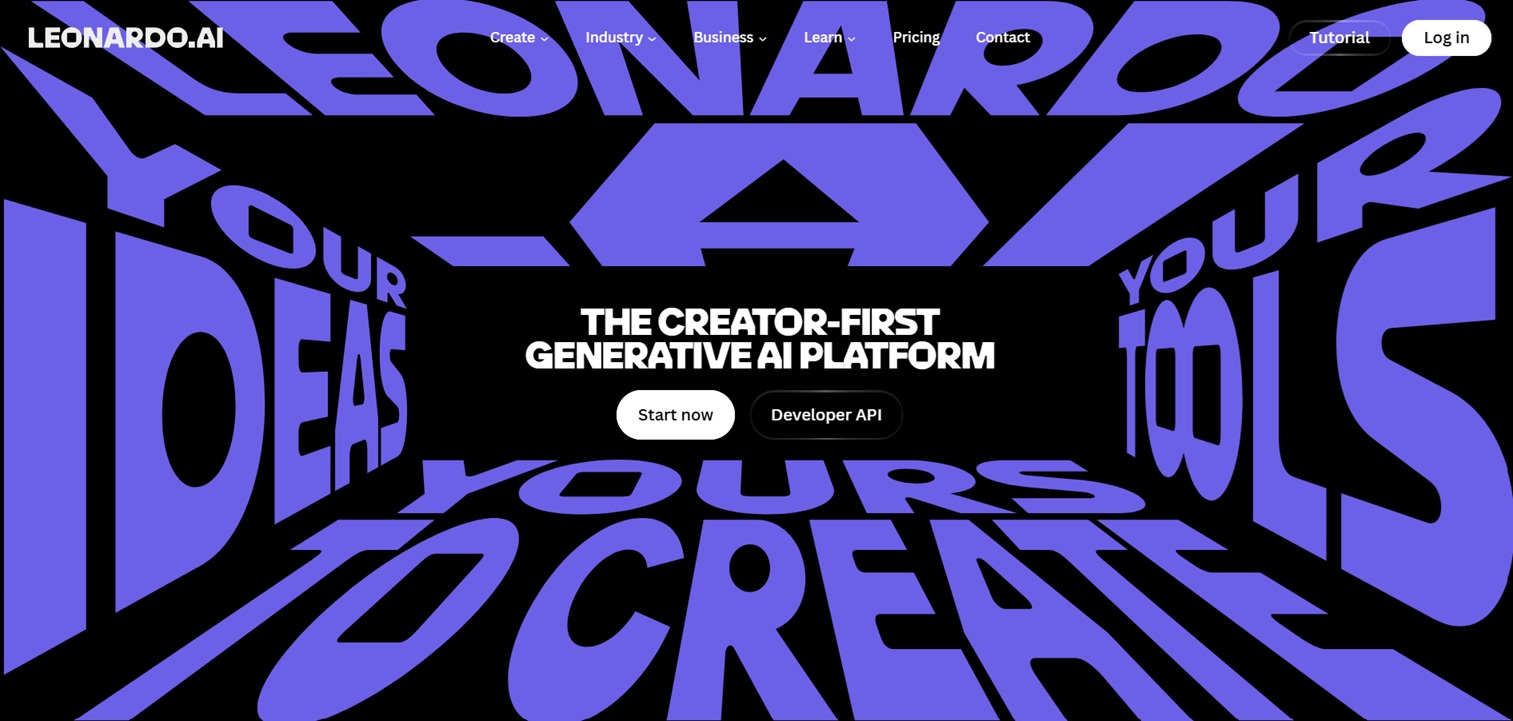
Leonardo has turned into one of the most complete Midjourney alternatives around. You’re not locked into one model either — it gives you access to several, including Phoenix and FLUX, plus a Canvas Editor where you can tweak images after they’re generated instead of just re-rolling the prompt over and over.
What makes it stand out is the free tier. You get a generous daily token allowance, so you can actually use it without paying right away. That’s a big deal if you’re used to Midjourney charging you before you even know if it fits your style.
Key features:
- Multiple AI models in one place (Phoenix, FLUX, GPT Image)
- Canvas Editor for post-generation editing and touch-ups
- Generous daily free token allowance
- Commercial licensing included on paid plans
Pricing: Free tier with daily tokens. Paid plans start around $10/month with commercial licensing included.
Good for: anyone who wants Midjourney-level quality but with more editing control and a real free option.
Keep in mind: free generations are public, so if privacy matters to you, you’ll want the paid plan.
2. Ideogram — best for text, logos, and posters
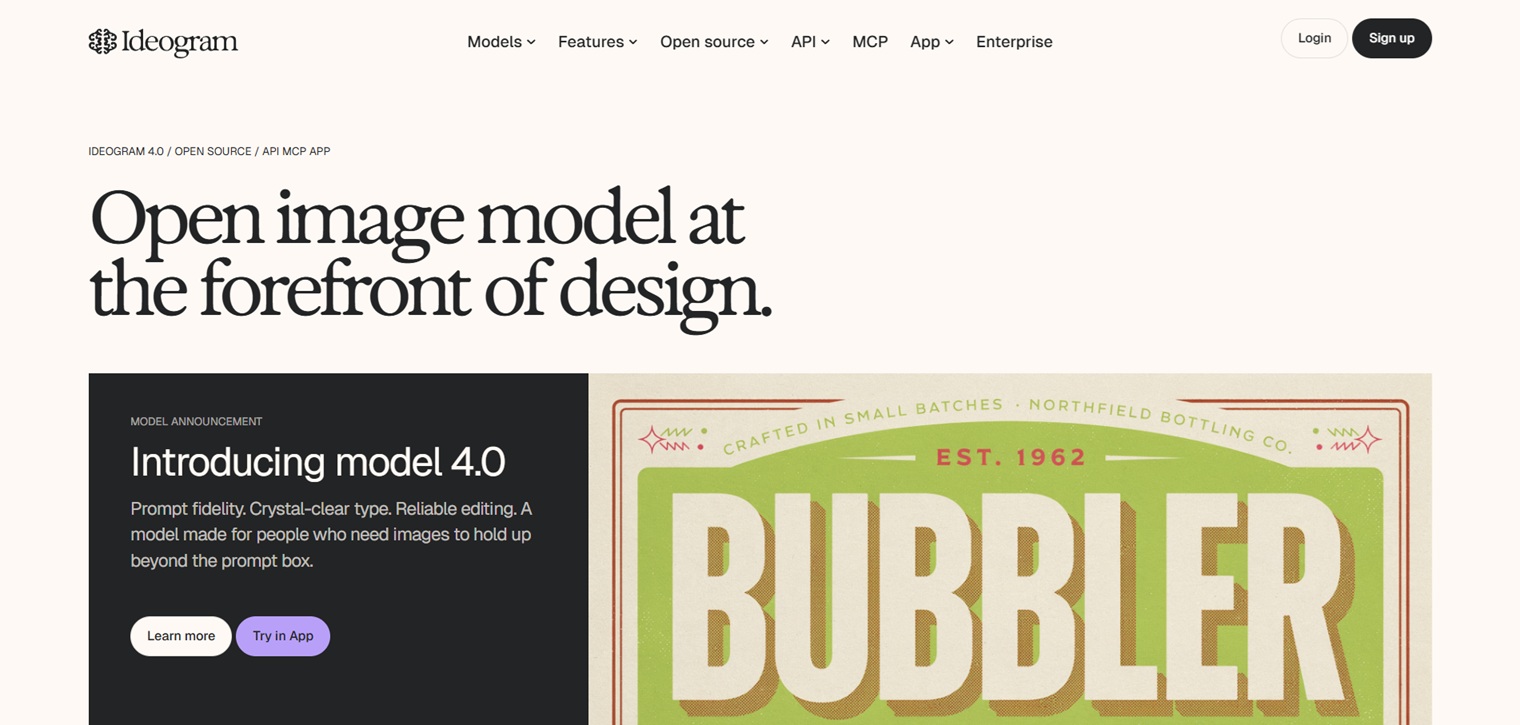
If you’ve ever asked Midjourney to put a word or phrase inside an image and gotten garbled letters back, this is the one to switch to. Ideogram was built specifically to get text right inside images, which makes it the go-to for logos, posters, signage, and anything with a slogan or headline baked into the design.
It also has a Canvas feature now that lets you do inpainting and outpainting, so you can extend or edit parts of an image instead of starting from scratch.
Key features:
- Accurate, legible text rendering inside images
- Canvas tool for inpainting and outpainting
- Strong for logos, posters, and typography-driven designs
- Web, Android, and iOS apps
Pricing: Free tier with 10 credits per week. Paid plans start at $7/month.
Good for: logos, posters, merch designs, anything where the text actually needs to be readable.
Keep in mind: photorealism isn’t its strong suit — this tool is about typography and clean composition, not lifelike scenes.
3. Adobe Firefly — best for commercial safety
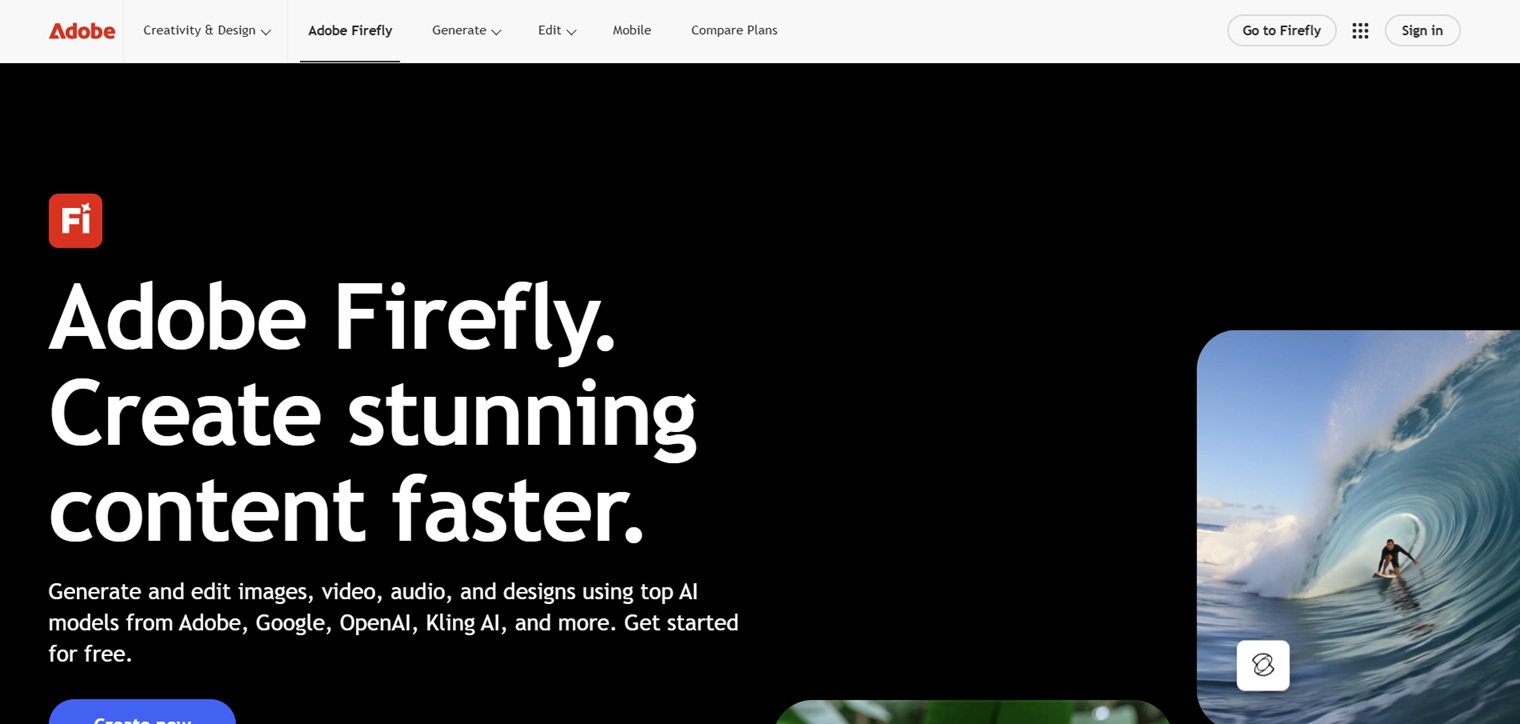
If you’re making stuff for a brand, a client, or anything where copyright could become a problem, Firefly is worth a look. It’s trained only on Adobe Stock images and licensed content, and Adobe backs it up with legal indemnification if a copyright dispute comes up. Midjourney can’t offer that same guarantee.
It also plugs directly into Photoshop, Illustrator, and Premiere Pro, so if you already work inside Creative Cloud, it fits right into your existing workflow instead of adding a new tool to juggle.
Key features:
- Trained exclusively on licensed Adobe Stock content
- Legal indemnification on copyright disputes
- Direct integration with Photoshop, Illustrator, and Premiere Pro
- Built-in access through Adobe Express
Pricing: Free tier via Adobe Express. Paid plans start around $9.99/month.
Good for: professional or commercial work where you need to know exactly where the training data came from.
Keep in mind: the style range is narrower than Midjourney’s — it leans safe and polished rather than experimental.
4. Flux / Stable Diffusion — best free and open-source option
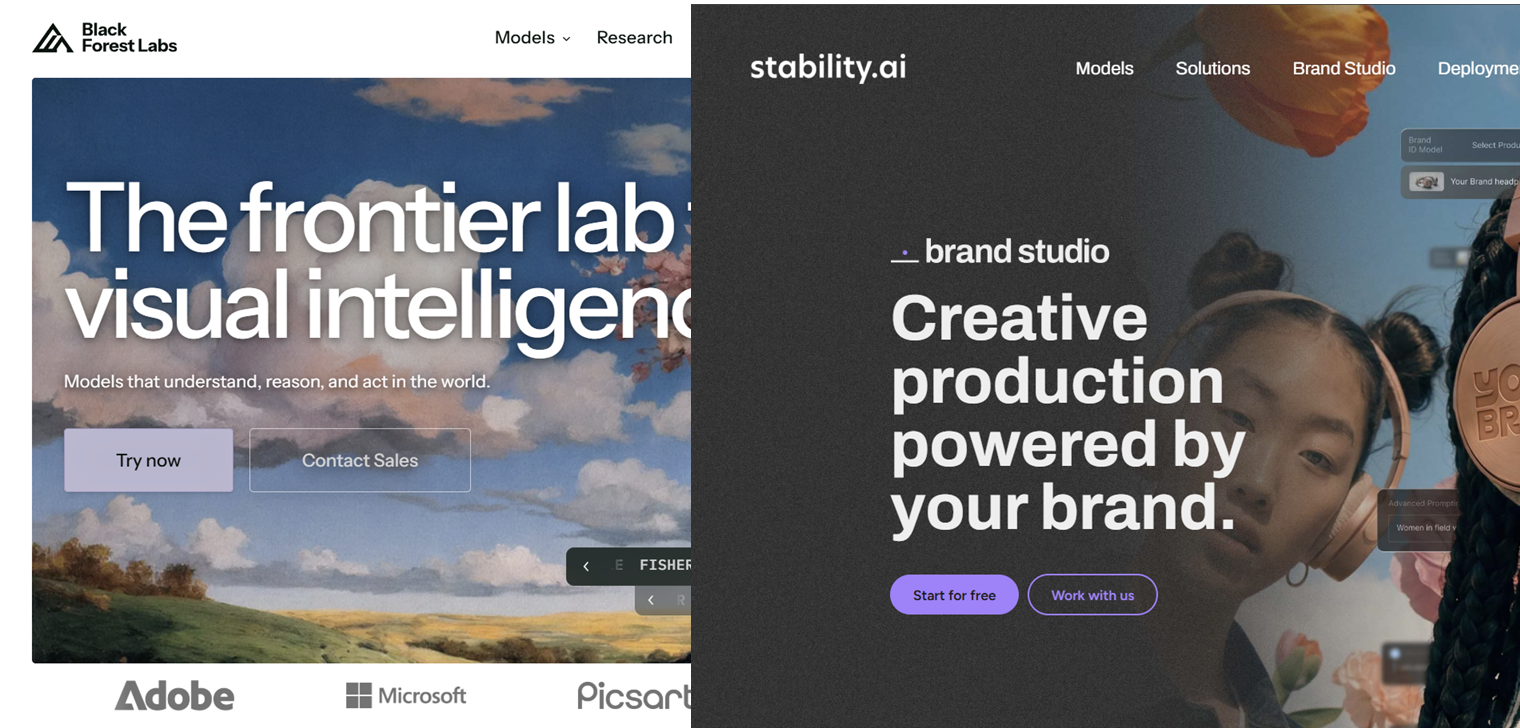
These two get grouped together because they solve the same problem: total control, zero cost, if you’re willing to put in a bit of setup time. Stable Diffusion is less of an “app” and more of an open engine — you can run it on your own computer, use it through dozens of websites, or train it on your own style using LoRAs. Flux, built by former Stable Diffusion engineers, has become known for handling hands, faces, and text more accurately than a lot of other open models.
The tradeoff is that neither one is as plug-and-play as Midjourney. There’s a learning curve, and if you want to run it locally, you’ll need a decent graphics card.
Key features:
- Fully open-source, can run locally on your own hardware
- Supports LoRA and ControlNet for custom styles and precise consistency
- No content filters (depending on where you run it)
- Flux specifically handles hands, faces, and text more reliably
Pricing: Free if self-hosted. Hosted versions (like through third-party sites) typically start around $15/month, or pay-per-image on some platforms.
Good for: people who want full creative control, no content filters, and don’t mind a bit of a learning curve.
Keep in mind: not beginner-friendly out of the box, but there are plenty of web-based versions if you don’t want to install anything.
5. GPT Image (via ChatGPT) — best for beginners
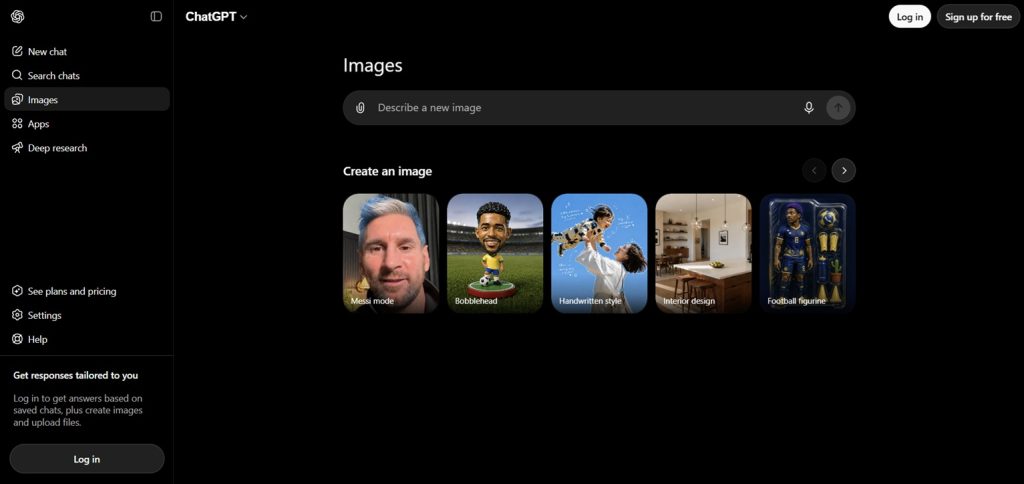
You type what you want in plain language, in the same chat window you’d use for anything else in ChatGPT, and it generates the image. No prompt engineering required.
It’s also genuinely good at following instructions — if you ask for a specific combination of elements, it tends to actually include all of them, which is something Midjourney sometimes struggles with.
Key features:
- Plain-language prompting, no special syntax needed
- Strong instruction-following for multi-element scenes
- Built directly into ChatGPT’s chat interface
- Handles text inside images reasonably well
Pricing: Limited free generations available. Full access requires ChatGPT Plus at $20/month.
Good for: total beginners, or anyone who just wants something simple without learning a new interface.
Keep in mind: the free tier is limited, so heavy users will likely need the paid plan.
FAQ
Is there a Midjourney alternative that’s completely free?
Yes. Stable Diffusion is free if you run it yourself, and tools like Leonardo.ai and Ideogram both have free daily allowances that are enough to actually get real work done, not just a couple of test images.
Which alternative is closest to Midjourney’s actual style?
Leonardo.ai and Flux come the closest in overall image quality and that painterly, “artistic” look Midjourney is known for. Nothing is identical, but those two get you closest.
Do any of these avoid the public gallery problem?
Most paid plans across these tools keep your generations private by default, which is different from Midjourney, where you usually have to pay extra just for privacy.
Which one is best for making things to sell, like on Etsy or as prints?
Ideogram if your designs include text (like personalized name art), and Leonardo.ai or Adobe Firefly if you’re doing purely visual pieces and want peace of mind on the commercial licensing side.
Can I use these tools without any prompt-writing experience?
GPT Image is the easiest for that — it understands plain, everyday language. The others work better once you get a feel for how they respond to specific wording, but none of them require you to learn special commands the way Midjourney’s Discord setup does.
Do I need to cancel Midjourney to try these?
No. Most of these have free tiers, so you can test them alongside Midjourney and see which one actually fits your workflow before you commit to anything.
Do I need Discord to use Midjourney?
Not anymore. You can sign up and generate images entirely through midjourney.com using a Google account. Discord is still there if you want the community and faster command-based prompting, but it’s optional now, not required.
No related posts.

