

Trello is one of the most popular project management tools out there, and for good reason. It’s simple, visual, and easy to understand.
But if you’ve used it for a while, you probably noticed its limits, especially when your projects get bigger or more complex.
That’s when people start looking for Trello alternatives.
I’ve tried a few different task management tools over time, and some of them honestly feel more powerful, flexible, and better suited for real work.
So here are 5 of the best Trello alternatives in 2026.
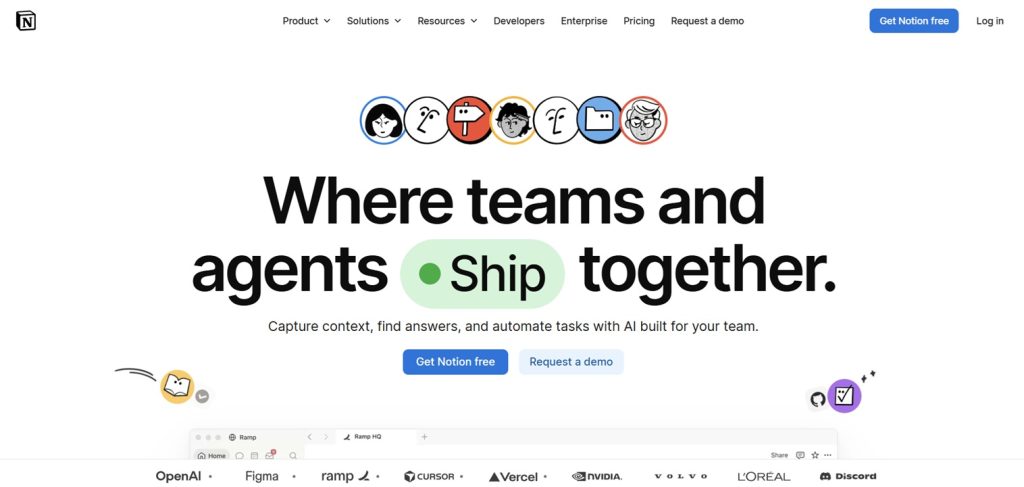
Notion is more than just a project management tool — it’s like a workspace where you can organize almost everything.
You can create:
- Task boards (like Trello)
- Databases
- Notes and documents
- Wikis
- Content calendars
What I like most is that everything is connected. You’re not just managing tasks — you’re building your whole system.
Best for:
Teams, creators, and anyone who wants flexibility.
Why it’s better than Trello:
It combines notes, databases, and project management in one place.
Pricing:
- Free plan: Yes (great for individuals)
- Paid plans: From around $8–$15 per user/month
- Key notes: Free plan is generous for personal use, but team features and permissions improve on paid plans
- Best value tip: Most individuals don’t need to upgrade unless working in teams
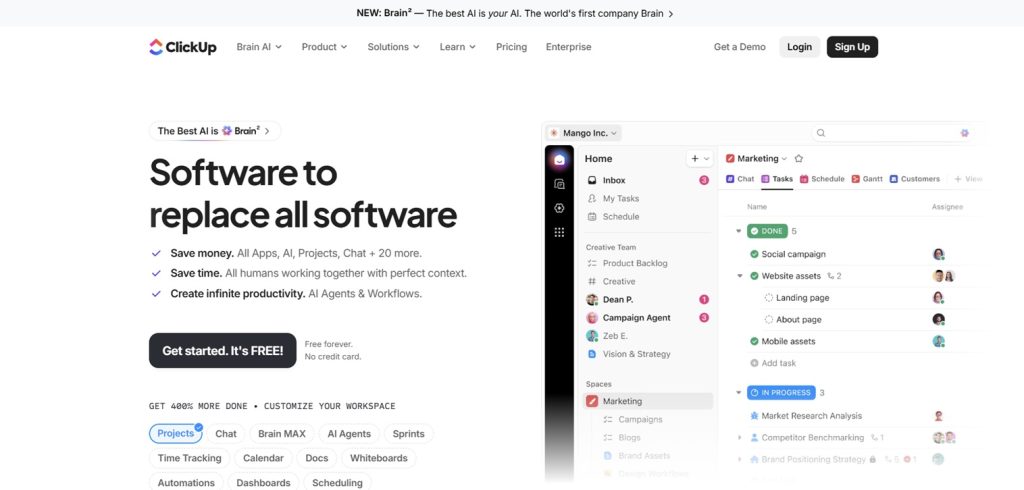
ClickUp is one of the most feature-packed project management tools available.
It can feel a bit overwhelming at first, but it replaces a lot of other apps.
You can use it for:
- Task lists and boards
- Time tracking
- Goals and dashboards
- Docs and chat
- Automation
It’s basically designed to be an “all-in-one” productivity system.
Best for:
Teams and power users who want everything in one tool.
Why it’s better than Trello:
Much more advanced features like time tracking, goals, and automation.
Pricing:
- Free plan: Yes
- Paid plans: From around $7–$12 per user/month
- Key notes: Free plan includes a lot (tasks, docs, some automation), but advanced features like unlimited storage and full automation require paid plans
- Best value tip: One of the most feature-rich free plans available
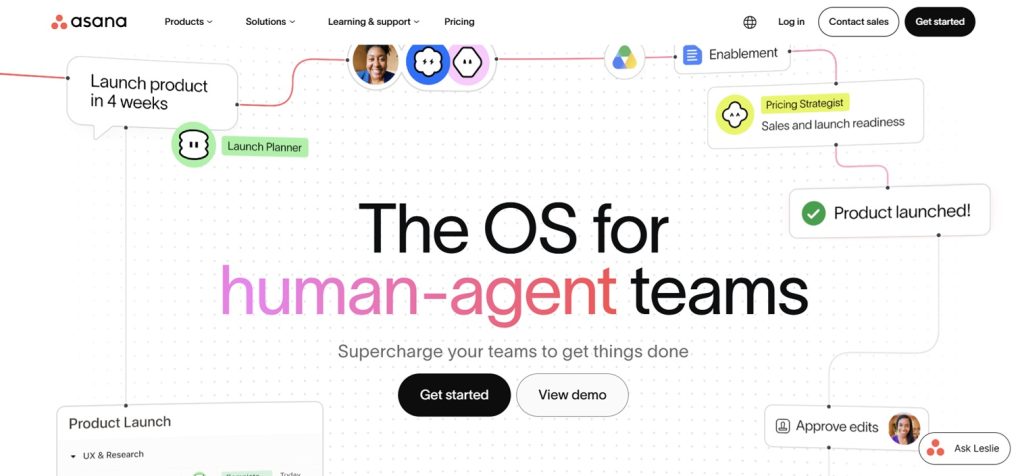
Asana is one of the most structured project management tools.
It’s great if you like clear organization and planning.
You can:
- Create tasks and subtasks
- Set deadlines and dependencies
- View projects in lists, boards, or timelines
- Track progress visually
It feels more “professional” and structured compared to Trello’s simplicity.
Best for:
Teams managing complex projects.
Why it’s better than Trello:
Better structure for deadlines, dependencies, and team workflows.
Pricing:
- Free plan: Yes (basic task management)
- Paid plans: From around $10–$25 per user/month
- Key notes: Timeline, reporting, and advanced workflow features are locked behind paid tiers
- Best value tip: Best for teams that need structured project tracking
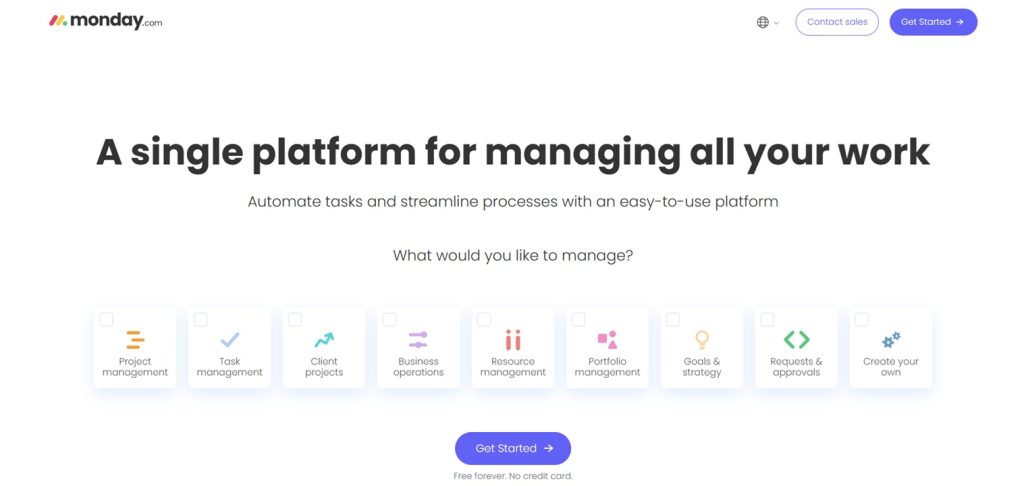
Monday.com is a highly visual project management platform that focuses on workflows.
It lets you build custom boards for almost anything:
- Projects
- Sales pipelines
- Marketing campaigns
- Content planning
It also includes automation and reporting tools.
Best for:
Businesses and teams that want customizable workflows.
Why it’s better than Trello:
More automation, reporting, and customization.
Pricing:
- Free plan: Yes (very limited, up to 2 users)
- Paid plans: From around $9–$19 per user/month
- Key notes: Pricing depends heavily on team size and features like automation and integrations
- Best value tip: Becomes expensive for larger teams, but very powerful for business workflows
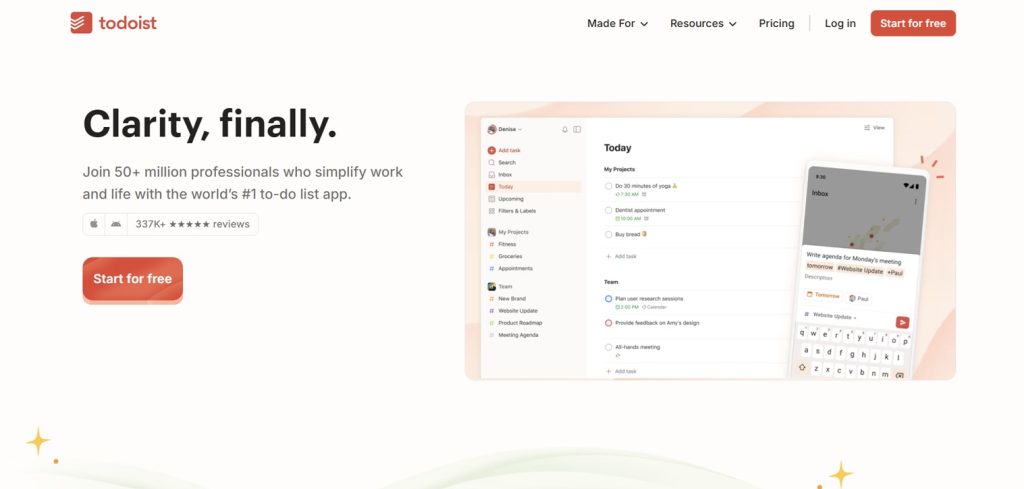
Todoist is simpler than the others on this list, but extremely powerful for personal productivity.
You can:
- Create tasks and subtasks
- Set priorities and deadlines
- Organize projects
- Use natural language input (like “tomorrow at 3pm”)
It’s less visual than Trello, but much faster for personal task management.
Best for:
Individuals and freelancers.
Why it’s better than Trello:
Faster task input and better personal productivity focus.
Pricing:
- Free plan: Yes
- Paid plan: Around $4–$5 per month
- Key notes: Free plan is great for personal use, but reminders, labels, and advanced productivity features require Pro
- Best value tip: One of the cheapest productivity tools overall
FAQ
What is the best Trello alternative in 2026?
ClickUp and Notion are two of the best Trello alternatives because they offer more advanced features while still being flexible and user-friendly.
Is Trello still good in 2026?
Yes, Trello is still good for simple project management, but it can feel limited for larger or more complex workflows.
What is easier than Trello?
Todoist is often easier for personal task management, while Trello itself is already one of the simplest project tools for teams.
What is the best free Trello alternative?
Notion, ClickUp, and Todoist all offer strong free plans depending on whether you want team features or personal productivity tools.
Which Trello alternative is best for teams?
Asana, Monday.com, and ClickUp are the best options for team collaboration and structured project management.
No related posts.

