

If you spend a lot of time online, you’ve probably wondered whether you actually need a VPN. With so many services promising better privacy, faster browsing, and secure connections, choosing one can get confusing.
The good news is you don’t need to compare 20 VPNs. I’ve narrowed it down to three worth considering in 2026: NordVPN, Surfshark, and ExpressVPN.
Each has different strengths, so the best one depends on what you need.
Before we get to the list, let’s quickly look at what a VPN actually does and what to consider before buying one.
What Is a VPN?
A VPN (Virtual Private Network) protects your internet connection by routing your traffic through a VPN server and hiding your IP address.
Using one is simple: install the app, choose a server, and connect.
VPNs are especially useful on public Wi-Fi in places like hotels, airports, and coffee shops. They can also give you more privacy from websites and online services.
Just remember, a VPN isn’t a magic shield. It won’t stop malware, fix weak passwords, or protect you from every scam. Think of it as one useful privacy and security tool, not complete anonymity.
Why Use a VPN in 2026?
There are a few good reasons to use a VPN, especially if you often use networks outside your home.
If you travel a lot, work remotely, or regularly use hotel, airport, or coffee shop Wi-Fi, a VPN can add an extra layer of protection. It can also hide your real IP address and let you connect through servers in other countries.
Just don’t think of a VPN as something you absolutely need to stay safe online. Strong passwords, two-factor authentication, updated software, and careful browsing still matter. A VPN is simply another useful security and privacy tool.
The 3 Best VPN Services for 2026
1. NordVPN
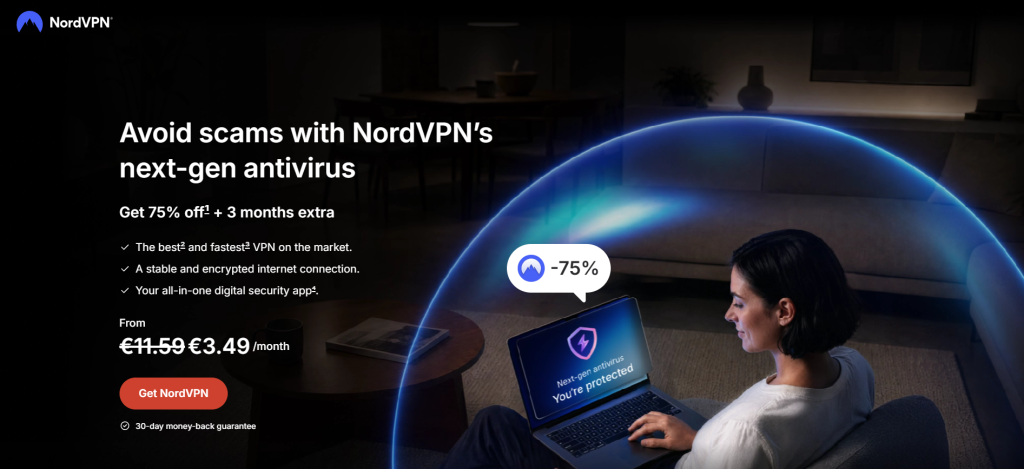
If you want one VPN recommendation without reading the whole article, I’d start with NordVPN.
It’s a well-established service with a large server network and plenty of security features. Depending on your plan, you can get extras like malware and scam protection, ad and tracker blocking, dedicated IP, and dark web monitoring. NordVPN also supports up to 10 devices per account.
What I like most is that it’s easy to use. You can install the app, pick a server, connect, and get on with your day.
There’s also a 30-day money-back guarantee, so you can try it before fully committing.
Why I Like NordVPN
The main reason I’d put NordVPN at the top is that it works well for different types of users. It’s simple enough for beginners but still offers plenty of extra features if you want more than basic VPN protection.
You also get support for multiple devices, a large server network, and additional security tools.
If you’re new to VPNs and don’t want to spend hours comparing technical details, NordVPN is probably where I’d start.
Who Should Use NordVPN?
I’d choose NordVPN if you want:
The best all-around VPN
A VPN with extra security features
Protection across several devices
A well-known service with a large network
An easy option for everyday browsing
A 30-day money-back guarantee
If you don’t have a specific reason to choose one VPN over another, NordVPN is the safest place to start on this list.
2. Surfshark
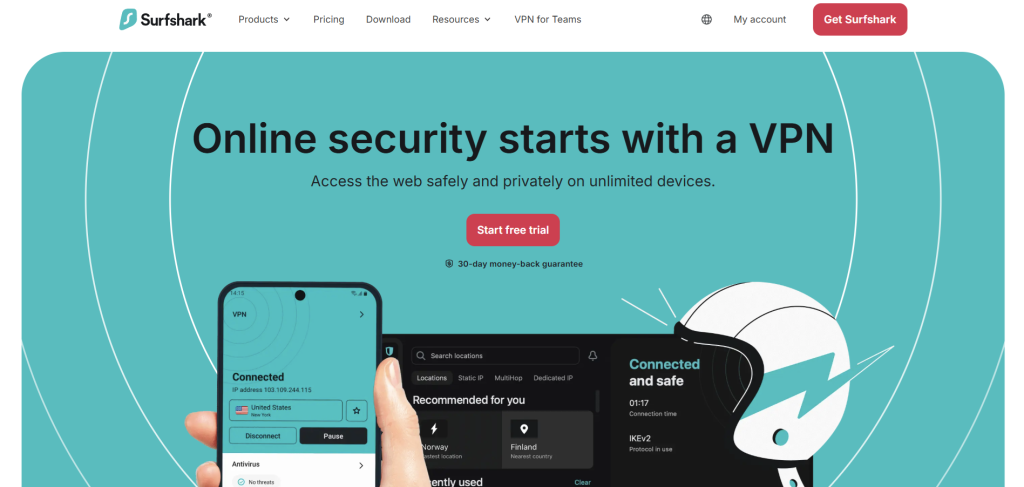
Surfshark is the VPN I’d look at if you have a lot of devices to protect.
Its biggest advantage is unlimited simultaneous connections, so you can use one account across your phone, laptop, tablet, TV, and other devices without worrying about limits.
Surfshark also offers thousands of servers worldwide, plus features like encryption, MultiHop, and obfuscated servers.
It’s especially useful for families or anyone with a house full of connected devices. You can protect everything under one account without constantly deciding which devices get the VPN.
If you want more control over your connection, Surfshark also offers features like Dynamic MultiHop, which routes your connection through two VPN servers for an extra layer of privacy.
Why I Like Surfshark
For me, Surfshark’s biggest selling point is simple: unlimited devices.
If you have a phone, laptop, tablet, smart TV, and other connected devices, you can protect them all with one account. It’s also a great option for families who want to share a VPN without buying separate accounts.
Surfshark also offers a 30-day money-back guarantee, so you can try it before committing.
Who Should Use Surfshark?
I’d choose Surfshark if you want:
Unlimited simultaneous connections
A VPN for lots of devices
A good option for families
Extra privacy features such as MultiHop
A straightforward VPN app
A 30-day money-back guarantee
If your main concern is “I have way too many devices,” Surfshark is the easy choice.
3. ExpressVPN
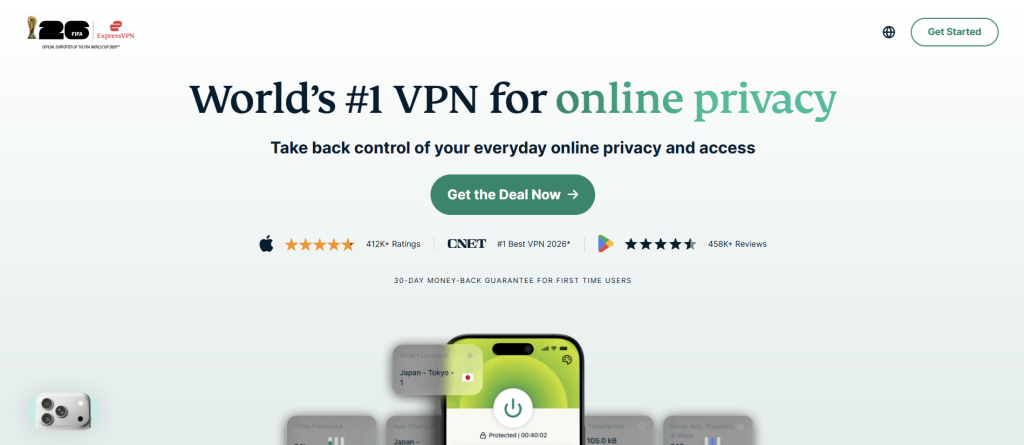
ExpressVPN is another strong all-around option, especially if speed is important to you.
It works across a wide range of devices, including computers, phones, smart TVs, routers, and gaming devices, with support for up to 14 simultaneous connections.
What stands out is its focus on speed and everyday performance. ExpressVPN uses its Lightway protocol and offers features designed for streaming, gaming, downloads, and video calls.
You also get useful tools like split tunneling, which lets you choose which apps use the VPN, and an Internet Kill Switch, which can block your connection if the VPN drops.
If you want a VPN that’s fast, easy to use, and works across lots of devices, ExpressVPN is worth considering.
Why I Like ExpressVPN
I think ExpressVPN is a good choice if you want something simple and easy to use without spending time tweaking settings.
It works across lots of devices, so it’s handy if you switch between your laptop, phone, TV, and other devices throughout the day. One subscription supports up to 14 simultaneous connections.
ExpressVPN also offers a 30-day money-back guarantee for new users, so you can try it before deciding.
Who Should Use ExpressVPN?
I’d choose ExpressVPN if you want:
Fast VPN performance
Support for lots of different devices
Up to 14 simultaneous connections
A simple app
Split tunneling
A kill switch
A 30-day money-back guarantee
If you’re using a VPN for streaming, gaming, work, browsing, and other everyday things, ExpressVPN is a strong all-around option.
NordVPN vs. Surfshark vs. ExpressVPN
If you’re still not sure which one to pick, don’t overthink it. The three services are all good, but they’re aimed at slightly different needs.
NordVPN is my overall pick because it gives you a strong mix of privacy, security, performance, and extra features. It also has a large network and can protect up to 10 devices at once.
Surfshark is the one I’d choose if you have lots of devices. The unlimited simultaneous connections are hard to ignore, especially if you’re buying a VPN for your whole household.
ExpressVPN is the one I’d choose if you care a lot about speed and want broad support across computers, phones, TVs, browsers, routers, and gaming devices. It supports up to 14 simultaneous connections.
So, in simple terms:
| VPN | Best for |
|---|---|
| NordVPN | Best overall |
| Surfshark | Lots of devices |
| ExpressVPN | Speed and device support |
Do You Really Need a VPN?
This is worth asking before you buy a VPN.
If you mostly use your home internet, keep your devices updated, use strong passwords, enable two-factor authentication, and know how to spot scams, you already have a solid security setup. A VPN won’t fix every security problem.
A VPN makes more sense if you regularly use public Wi-Fi, travel, work remotely, or want an extra layer of privacy.
It can also be useful if you have multiple devices and want simple protection wherever you connect.
Just remember: a VPN doesn’t make you anonymous online.
Are Free VPNs Worth Using?
There are plenty of free VPNs, so it’s fair to ask why you should pay.
The catch is that running a VPN costs money. Servers, apps, security, and support all have to be paid for. So if a VPN is free, it’s worth asking how the company makes money and what its privacy policy says.
That doesn’t mean every free VPN is bad. Some can be useful for occasional use. But if you use a VPN every day for privacy, I’d rather pay for a reputable service than risk my data with an unknown free provider.
What Should You Look for in a VPN?
You don’t need to understand every VPN feature before choosing one. I’d focus on a few basics.
Privacy: Check the privacy policy and logging practices. Know what data the company collects and how it’s used.
Speed: Some slowdown is normal, but a good VPN shouldn’t noticeably affect everyday browsing.
Devices: Think about how many devices you need to protect. One laptop is easy, but a whole household may need more connections. This is where Surfshark’s unlimited connections stand out.
Also check server locations, device support, kill switch, money-back guarantee, and price.
Most importantly, don’t choose based on price alone. You’re trusting a VPN with your internet connection, so trust should come first.
Final Thoughts
There are plenty of VPN services out there, but I don’t think you need to make this decision more complicated than it is. NordVPN, Surfshark, and ExpressVPN are three strong options in 2026, and each one makes sense for a slightly different type of user.
Whatever you choose, remember what a VPN can and can’t do. It can add privacy to your connection, hide your IP address, and protect your traffic from certain types of snooping. But it won’t replace good passwords, two-factor authentication, software updates, and common sense when you’re online.
For me, that’s the best way to look at a VPN. It’s another useful layer of protection.

